Guides
How to Find a Person on Pinterest (Contacts, Email & Facebook)
Find a specific person on Pinterest using the Find Friends tool, contacts sync, email search, or a shared pin or board. Step-by-step for mobile and desktop.
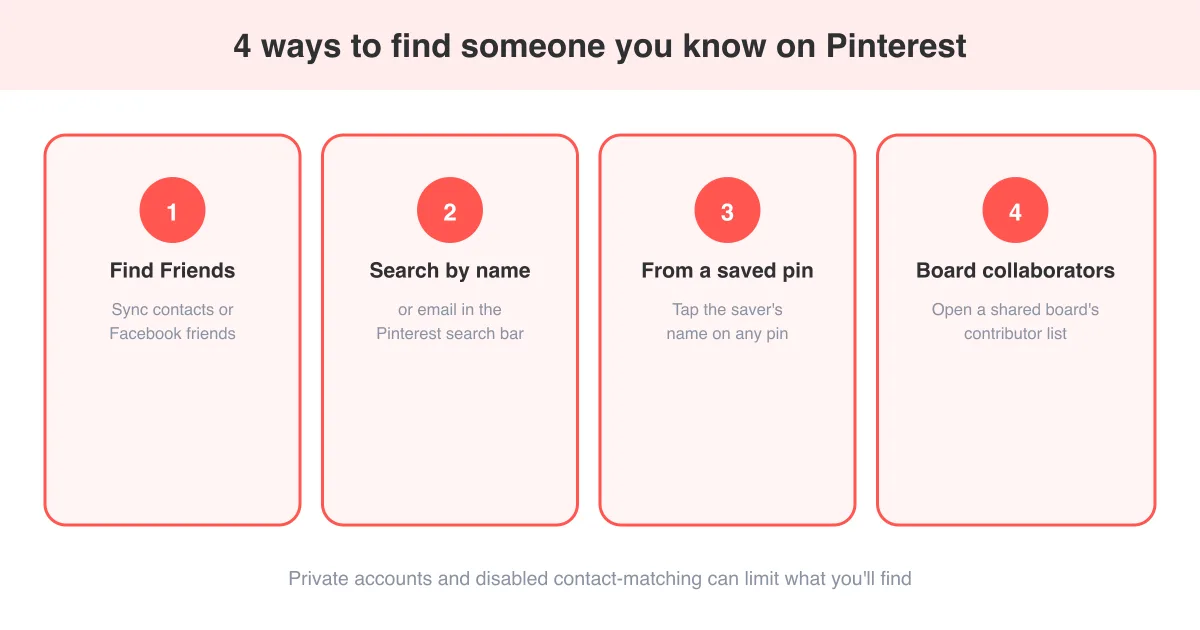
Short answer
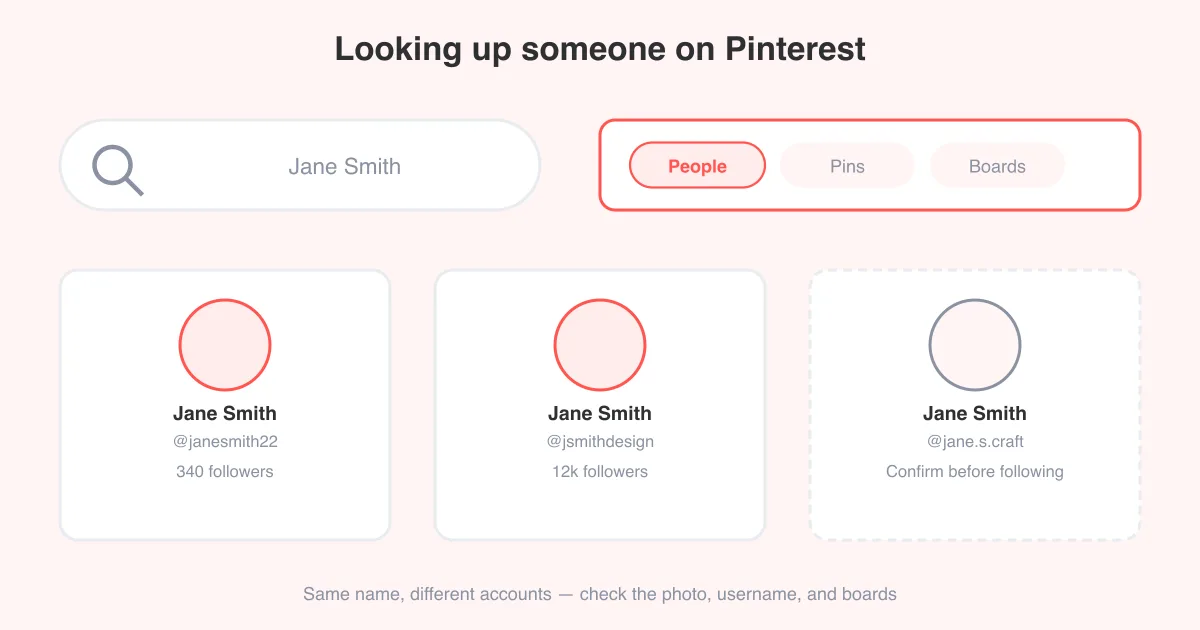
The fastest way to find a specific person you know on Pinterest is the built-in Find Friends tool, which matches your phone contacts or connected Facebook friends to Pinterest profiles automatically. If that doesn't turn them up, search their name or email directly in the search bar, or open a pin they've saved and tap the saver's name to jump to their profile. Some people won't appear at all if their account is private or they've turned off contact-based discovery — for typing a name into Pinterest search instead, see how to look up someone on Pinterest.
Use Find Friends to match contacts and Facebook
Pinterest's Find Friends tool is built specifically for locating people you already know, rather than searching for strangers or topics. It checks your phone's address book or your connected Facebook account against Pinterest's user base and shows you any matches.
- Open the Pinterest app and tap your profile photo, then the settings gear.
- Look for "Find friends" or "Invite friends" under account or people settings.
- Choose "Connect contacts" to let Pinterest scan your phone's contacts, or "Connect Facebook" to match Facebook friends who also use Pinterest.
- Grant the permission prompt when your phone asks to share contacts or Facebook data.
- Review the list of matched people and tap Follow next to anyone you want to connect with.
Permission required
Pinterest can only match contacts or Facebook friends you explicitly allow it to check. If you skip the permission prompt, this method won't surface anyone.
Search by name or email in Pinterest search
If you're not connected on Facebook and don't have their number saved, a direct search is the next best option. This works well for people with distinctive names or a Pinterest profile that includes an email-derived handle.
- Tap the search icon and switch to the People or Accounts tab if one appears above the results.
- Type their full name first; if too many results come back, add a location, employer, or hobby they're known for.
- Try their email address directly — some usernames are generated from it, though Pinterest doesn't let you search by email as a private lookup field.
- Check for their username if you know it from another platform, since many people reuse the same handle across apps.
For a deeper breakdown of search techniques, including filters and what to do when someone has a common name, see how to look up someone on Pinterest.
Find someone from a pin they've saved
If you've seen a pin somewhere and know a specific person saved or created it, you can jump straight to their profile without searching at all.
- Open the pin (from a shared link, a group board, or someone else's feed).
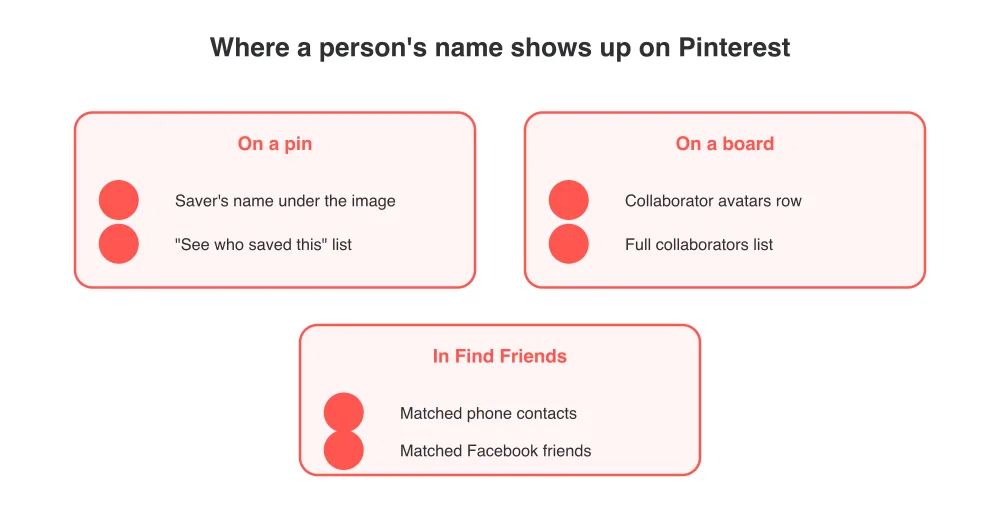
- Look below the pin image for the saver's name and small profile photo.
- Tap their name or photo to open their full profile.
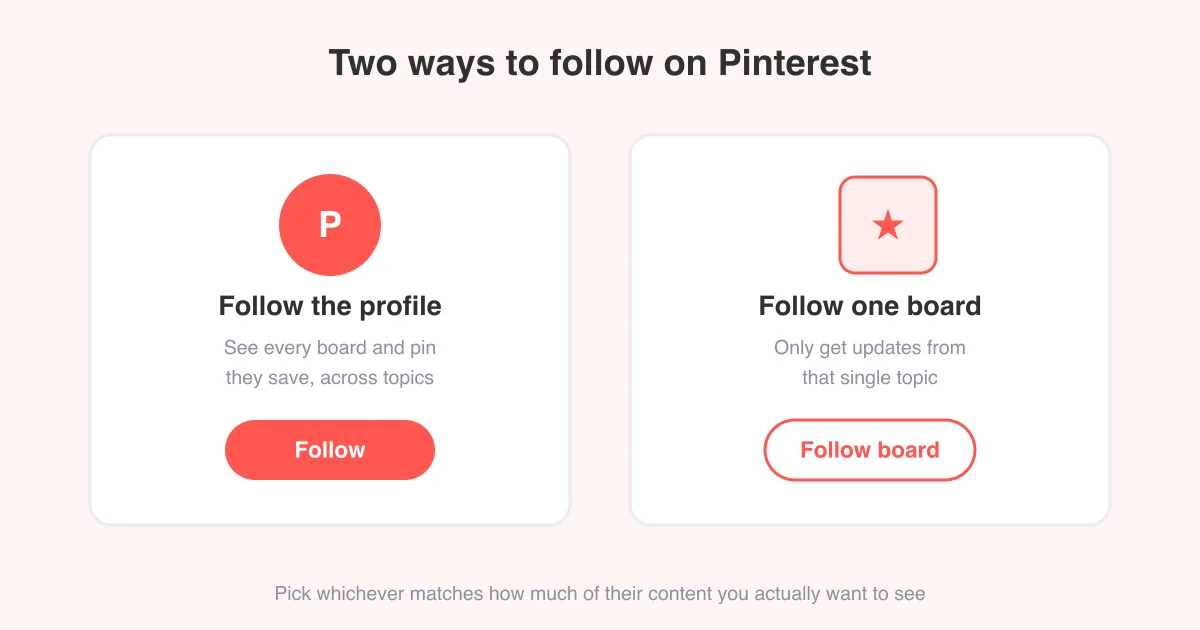
- From there, tap Follow to keep up with what they save, or see how to follow someone on Pinterest for more on managing who you follow.
If a pin shows multiple savers, tap "See who saved this" (wording may vary) to view the full list and find the specific person.
Find someone through a shared or collaborative board
Group boards list every contributor, which makes them a reliable way to locate someone you know is active in a shared project, wedding planning board, or community board.
- Open the collaborative board in question.
- Tap the contributor avatars shown near the board title or the "Collaborators" section.
- Scroll the list to find the person's name and tap it to open their profile.
- If you manage the board yourself, this same screen is where you'd add or remove collaborators going forward.
Why some people won't show up
Pinterest gives people real control over how discoverable they are, so it's normal for some searches to come up empty even when you know they're on the platform.
- Private or unsearchable profiles can hide a person from name and contact search entirely.
- Someone may have disabled the setting that lets Pinterest match them via uploaded contacts.
- A person can also opt out of appearing in search engines, which affects whether they show up outside Pinterest too.
- If they haven't linked the phone number or email you have on file, contact matching simply won't find them.
Respect the boundary
If someone isn't discoverable, that's often intentional. Reaching out through a mutual connection or another platform is a better move than trying to work around Pinterest's privacy settings.
Once you find them: follow, message, or save together
Finding the profile is usually just the first step. From there, most people either follow to see future pins, or start collaborating on a shared board for a trip, wedding, or project.
- Tap Follow on their profile to add their pins to your home feed going forward.
- Invite them as a collaborator on one of your boards if you're planning something together.
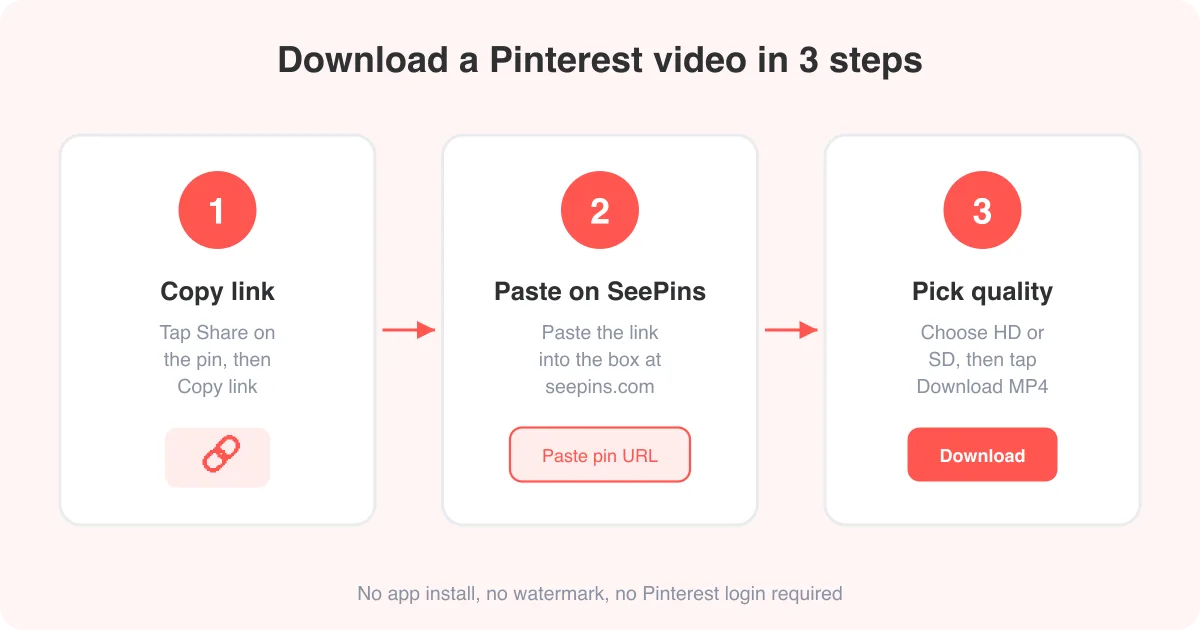
- If a pin they saved is one you want to keep for yourself, SeePins's Pinterest photo downloader or video downloader can save the original file straight to your device.
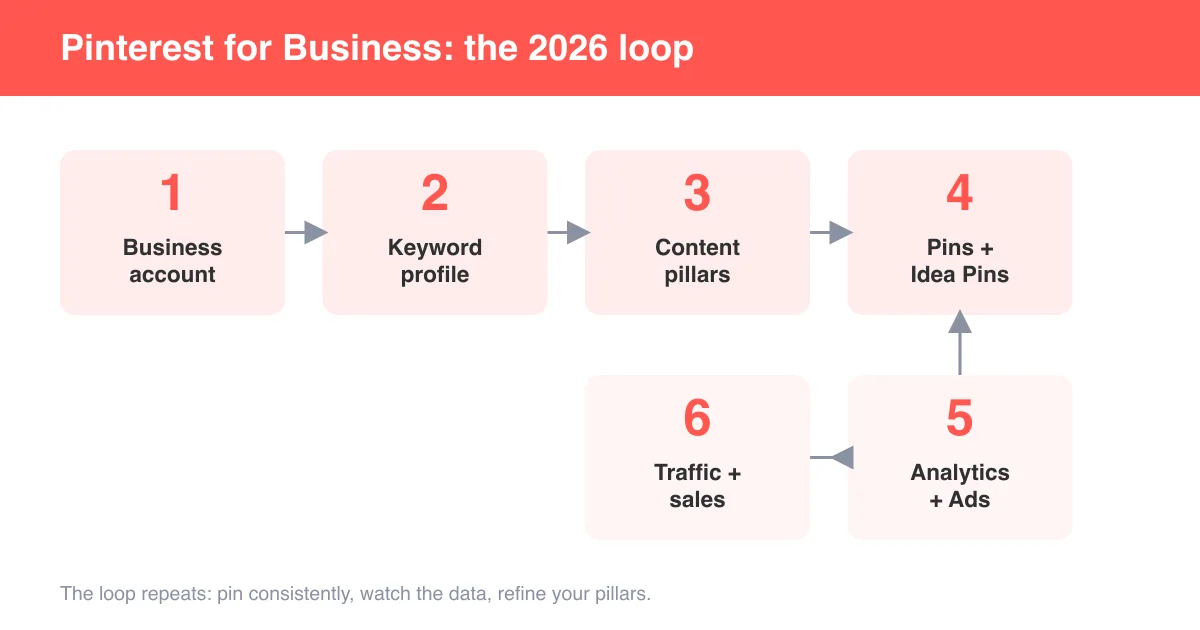
- For businesses trying to connect with real customers rather than searching for individuals, see how to use Pinterest for business.
Frequently asked questions
Use the Find Friends tool to match your phone contacts or Facebook friends, search their name directly, or tap their name from a pin or board they've contributed to.
Sources