Guides
How to Follow Someone on Pinterest (People and Boards)
Learn how to follow someone on Pinterest: follow a whole profile or just one board, do it on mobile or desktop, manage your follows, and unfollow anyone.
Short answer
To follow someone on Pinterest, open their profile and tap the red "Follow" button near their name to follow everything they pin, or open one of their boards and tap "Follow" on just that board if you only want updates from that topic. You can do this on the mobile app or desktop after you find their profile, and you can unfollow at any time from the same button or from your following list.
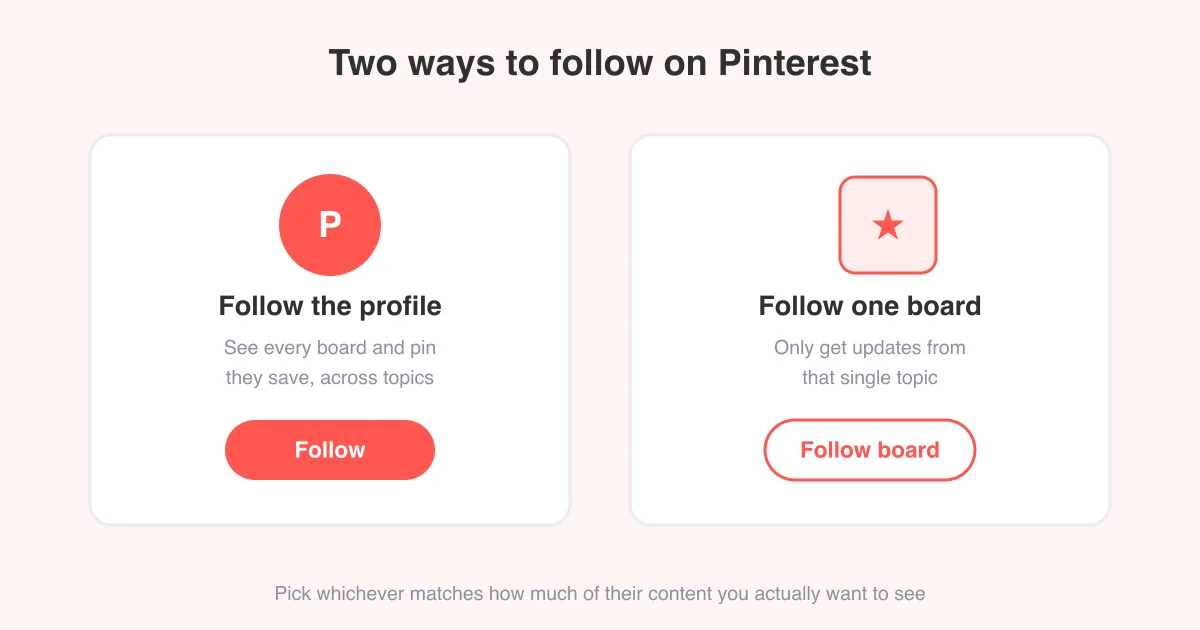
Follow the whole profile or just one board
Pinterest gives you two follow options, and picking the right one matters more than it seems. Following a profile means every board that person makes public will start feeding into your home feed — their recipes, their DIY projects, their travel photos, all of it. Following a single board narrows that down to one topic, so if a friend has boards for both "Wedding Planning" and "Cat Memes" and you only care about the wedding, you can follow just that board.
- Follow the profile when you want to see everything someone pins, across every board they have.
- Follow a single board when you only care about one topic or project and don't want the rest of their interests cluttering your feed.
- You can mix both: follow a person's profile and also individually follow specific boards from other people you don't want to fully follow.
- Following doesn't require the other person to accept anything — Pinterest follows work one-way, like Twitter/X, not like a Facebook friend request.
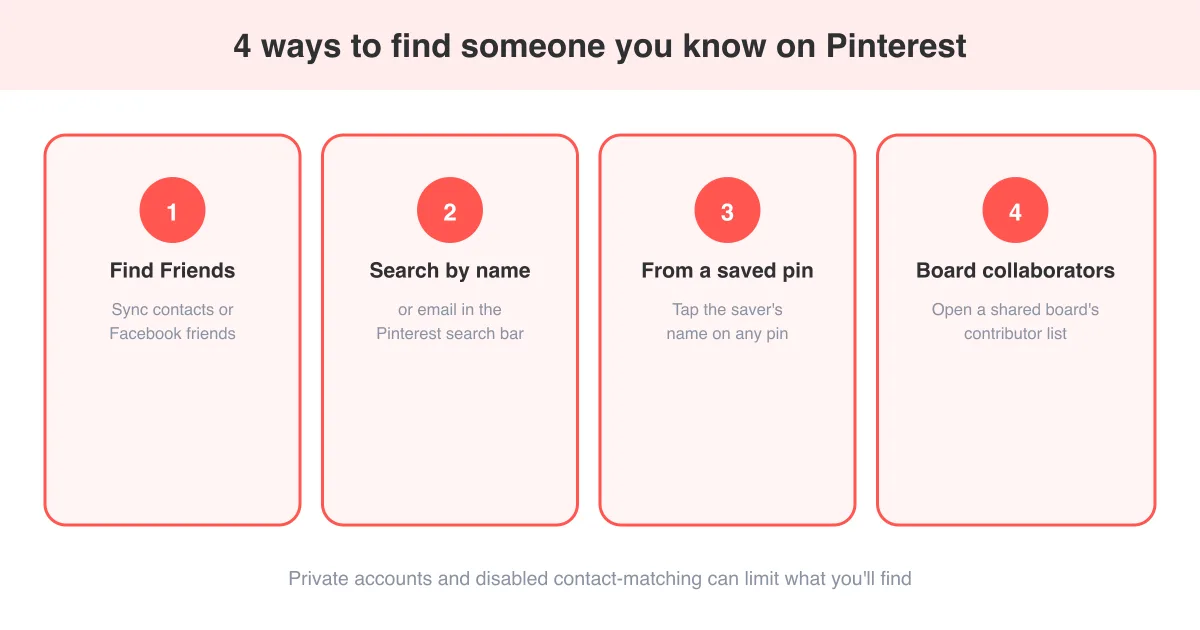
If you haven't located the account yet, start with how-to-find-a-person-on-pinterest or how-to-look-up-someone-on-pinterest, which cover searching by name, username, and email.
How to follow someone on the Pinterest mobile app
- Open the Pinterest app and tap the search (magnifying glass) icon.
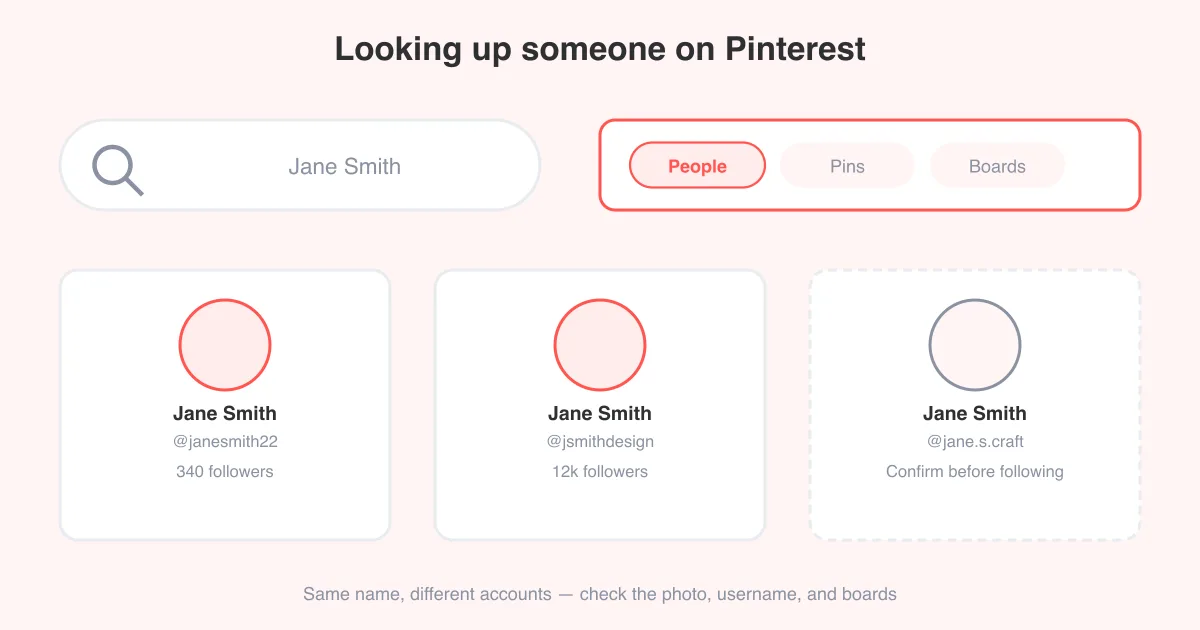
- Type the person's name or username and tap the "People" tab in the results.
- Tap their profile to open it.
- Tap the red "Follow" button below their name and follower count to follow their whole profile.
- To follow just one board instead, scroll to their boards, open the specific board, and tap "Follow" near the board's title.
The button will switch to say "Following" once it's active, confirming the follow went through. Exact button placement and wording can shift slightly between app versions and between iOS and Android, but the red Follow button next to a name or board title is consistent.
How to follow someone on Pinterest desktop (web)
- Go to pinterest.com and log in.
- Click the search bar at the top and enter the person's name or username.
- Select the "People" tab to filter results to profiles rather than pins or boards.
- Click their profile card or picture to open their full profile.
- Click "Follow" near their profile photo to follow everything they pin, or open an individual board and click "Follow" on that board only.
Can't find them?
If search isn't turning up the right person, double-check spelling, try their email address if you have it, or try searching from a pin you know they saved. Both find-a-person guides linked above walk through these fallback methods in detail.
Following a single board, visually
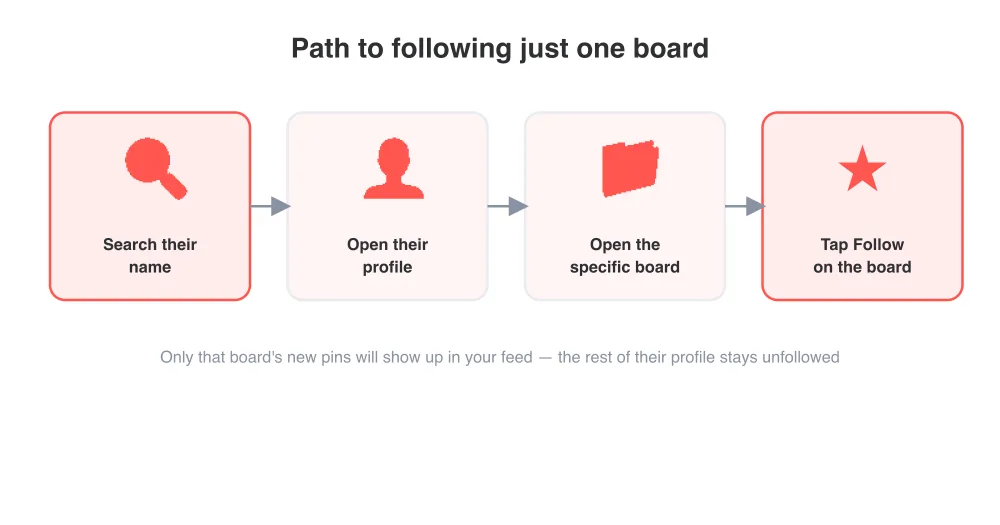
This is the same approach worth using anytime you only want a slice of someone's content rather than their entire pinning history.
How to unfollow and manage who you follow
Unfollowing uses the same button you used to follow — it just changes to say "Following" once active, and clicking or tapping it again removes the follow.
- Go to the person's profile or the specific board you followed.
- Tap or click the "Following" button.
- Confirm if prompted — this immediately stops their new pins from appearing in your feed.
To review everyone you follow in one place, open your own profile, tap your follower/following count, and select the "Following" tab. From there you can scroll through the full list and unfollow anyone without having to search for their profile individually.
Note
Unfollowing someone doesn't notify them, and it doesn't remove pins you've already saved to your own boards from their content — it only stops new pins from that account or board showing up going forward.
Why who you follow shapes your feed
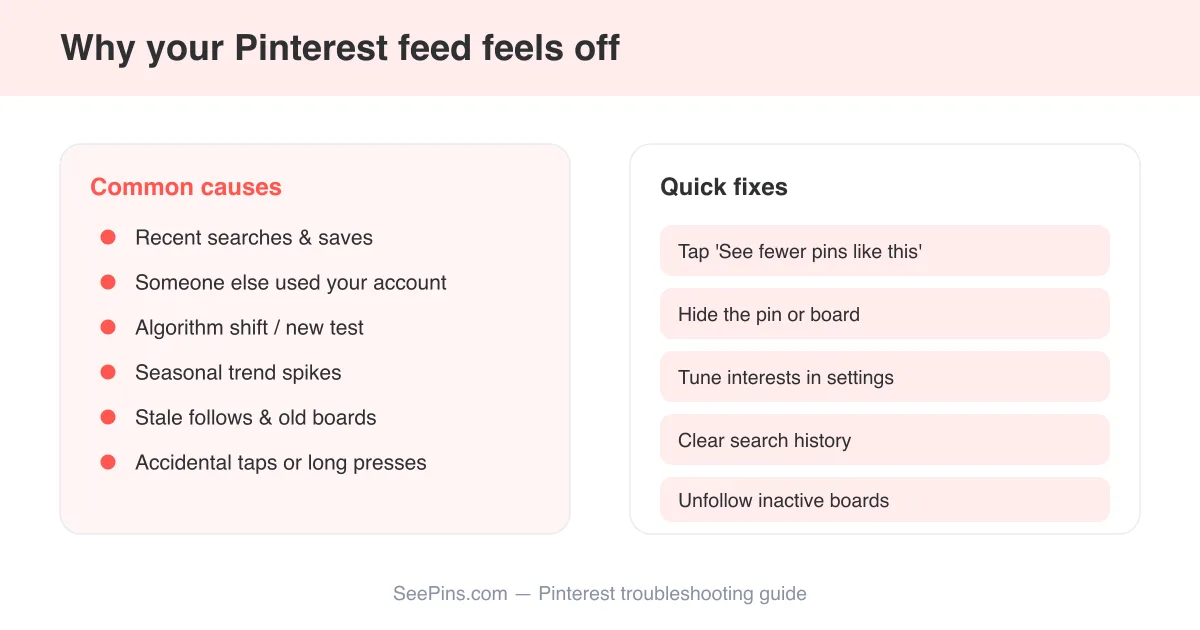
Pinterest's home feed blends pins from accounts you follow with algorithmic recommendations based on your activity. Following people and boards with content you genuinely want gives Pinterest a stronger, more direct signal than passive browsing does, which tends to make your feed feel more relevant over time.
- Following curated, high-quality boards is one of the most reliable ways to steer your feed toward content you actually want.
- A feed full of unfollowed, algorithm-only recommendations is more likely to drift toward generic or off-topic suggestions.
- If your feed still feels off after building out a solid follow list, the issue may be broader personalization settings rather than who you follow — see pinterest-showing-irrelevant-images for a deeper fix.
It's also worth periodically pruning accounts you followed years ago but no longer care about, since a stale following list can quietly work against the relevance of your feed.
Frequently asked questions
Search for their name or username, open the "People" tab, tap their profile, and tap the red "Follow" button below their name. This follows their entire profile, meaning all their public boards.
Sources