Troubleshooting
How to Recover a Suspended Pinterest Account
Learn why Pinterest suspends accounts, how to file an appeal, how long reviews take, and what to do while you wait for a decision on your account.
Short answer
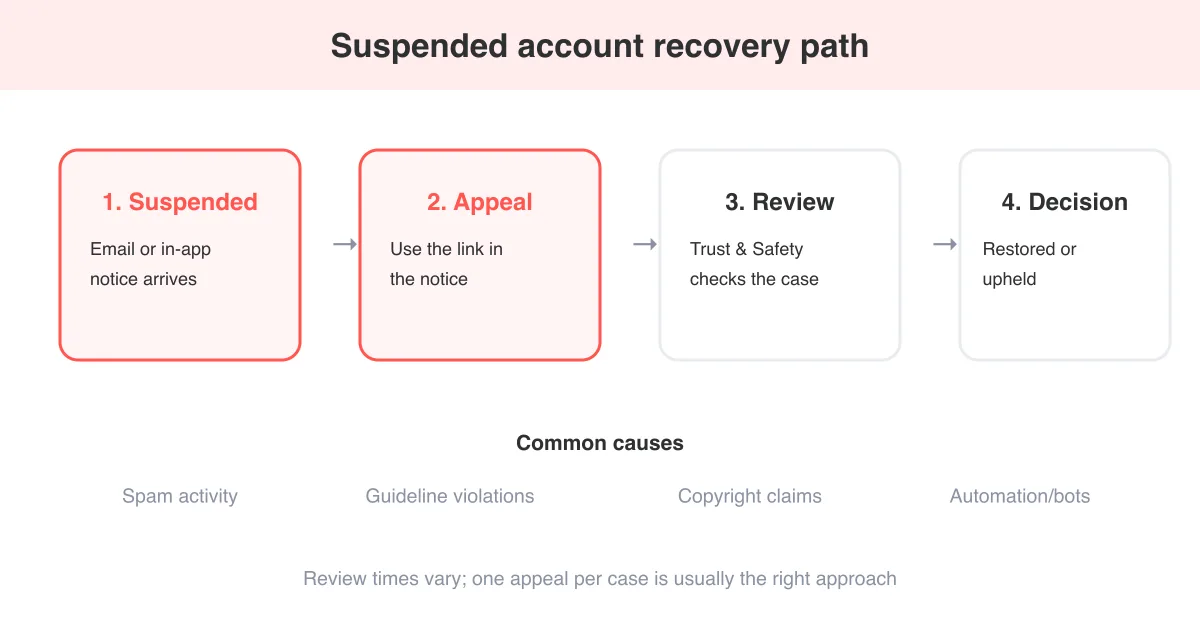
To recover a suspended Pinterest account, open the suspension notice in your email or in-app message and use the Appeal or Request a review link it provides, since there's no separate account-recovery form outside that flow. Pinterest's Trust & Safety team manually reviews most appeals, and decisions typically take anywhere from a few days to a couple of weeks. While you wait, avoid creating a new account or repeating the behavior that triggered the suspension, and check why you got a violation notice to understand what to fix.
Why Pinterest suspends accounts
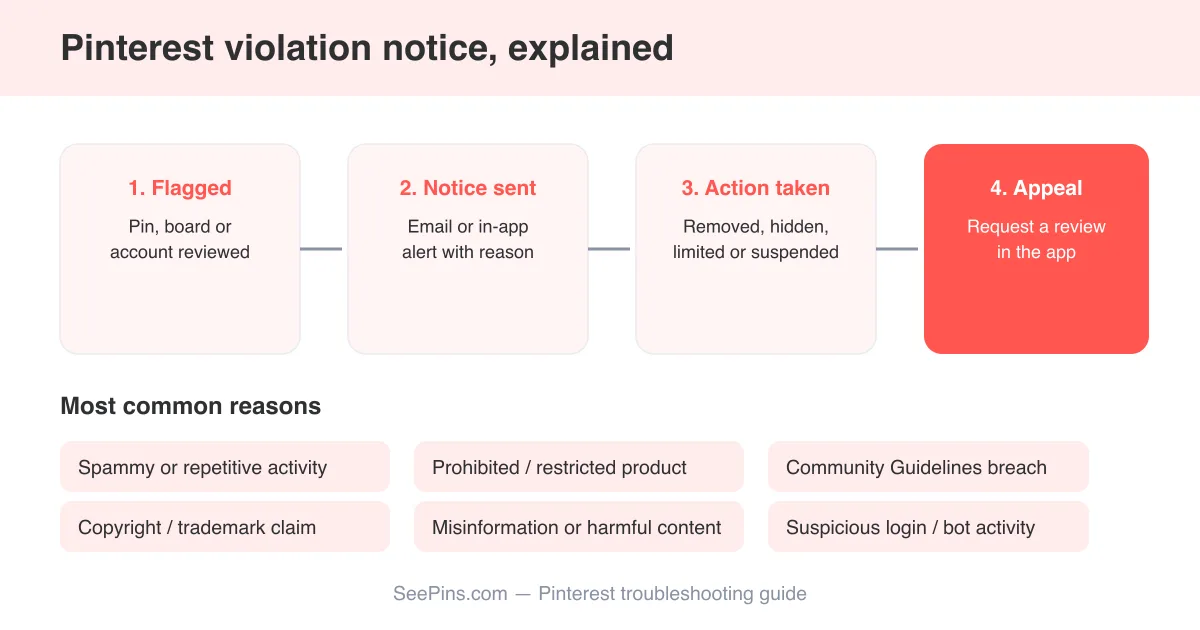
Pinterest suspends accounts when its automated systems or human moderators flag activity that breaks its community guidelines or terms of service. Suspensions range from temporary limits on specific actions to a full account lockout, depending on how serious or repeated the issue is. Understanding which category you fall into helps you write a more effective appeal. If you received a warning before the suspension, why you got a violation notice on Pinterest walks through what those messages usually mean.
- Spam-like behavior: rapid-fire pinning, mass following/unfollowing, or repetitive comments in a short window
- Community guideline violations: harassment, hateful content, misinformation, or adult content posted in violation of policy
- Copyright or intellectual property claims: pinning or repinning content a rights holder reported
- Suspected automation: using bots, schedulers outside Pinterest's own tools, or third-party apps that mimic human behavior at unnatural speed
- Payment or advertising policy issues on business accounts, such as misleading ad claims or billing disputes
- Multiple accounts tied to the same person that Pinterest's systems interpret as evasion of a prior enforcement action
Automation is a leading cause
A large share of suspensions trace back to third-party tools that pin, follow, or comment automatically. If you've ever connected a growth or scheduling app that isn't an official Pinterest partner, disconnect it before you appeal — it's often the root cause even if you didn't personally do anything against the rules.
How to appeal a suspension and request a review
There is no general-purpose 'unsuspend my account' button hiding in Settings. Pinterest routes recovery entirely through the appeal link included in the suspension notice itself, so start there rather than searching the app for a workaround.
- Locate the suspension notice — check both your email inbox (including spam/promotions folders) and the message Pinterest shows when you try to log in
- Open the Appeal or Request a review link included in that notice
- Sign in if prompted, and fill out the appeal form with your account details
- Explain clearly and honestly what happened, including any context Pinterest's automated systems may have missed
- If the suspension stems from a copyright claim, follow the specific counter-notice instructions in the notice rather than the general appeal form
- Submit the appeal once, and avoid submitting duplicates — resist the urge to appeal repeatedly, since that can slow the queue
- Watch your email for a follow-up decision, and check your spam folder so you don't miss it
If you can't find any suspension email or in-app notice at all, visit the Pinterest Help Center and search for account suspension — it lists the current contact and appeal channels for your situation.
How long the review takes
Pinterest doesn't publish a fixed service-level guarantee for appeal reviews, and timelines shift with case volume. In practice, many appeals get a response within a few days, while more complex cases — especially those involving copyright disputes or repeated violations — can take a couple of weeks or longer.
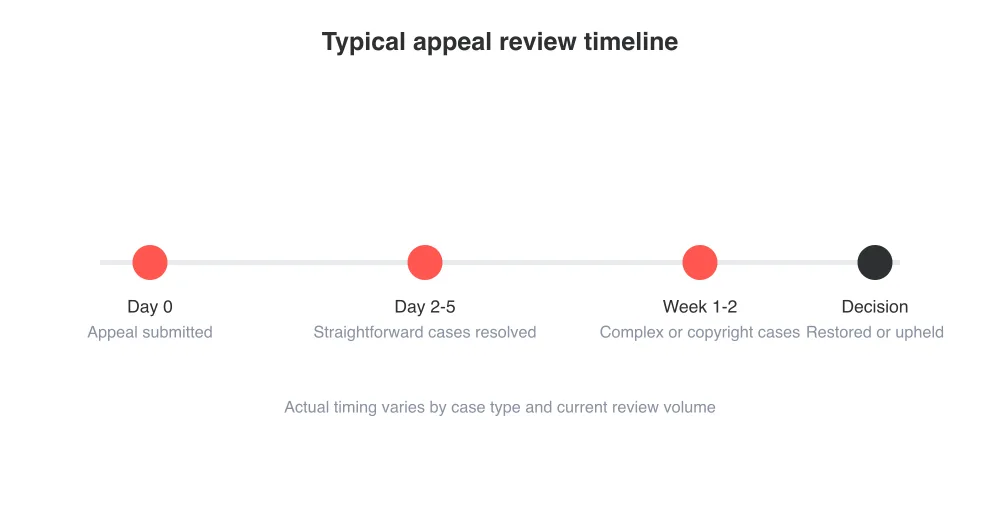
Once a decision is made, Pinterest notifies you by email or through the app. If the appeal succeeds, your account, boards, and pins typically return as they were. If it's denied, the notice usually explains why, though the explanation can be brief.
What to do while you wait for a decision
The waiting period is frustrating, but a few precautions protect your case and your broader online presence in the meantime.
- Don't create a new Pinterest account to work around the suspension — Pinterest can link accounts and this often complicates or dooms the appeal
- Don't repeat the flagged behavior on any linked social accounts, since cross-platform patterns can factor into review decisions
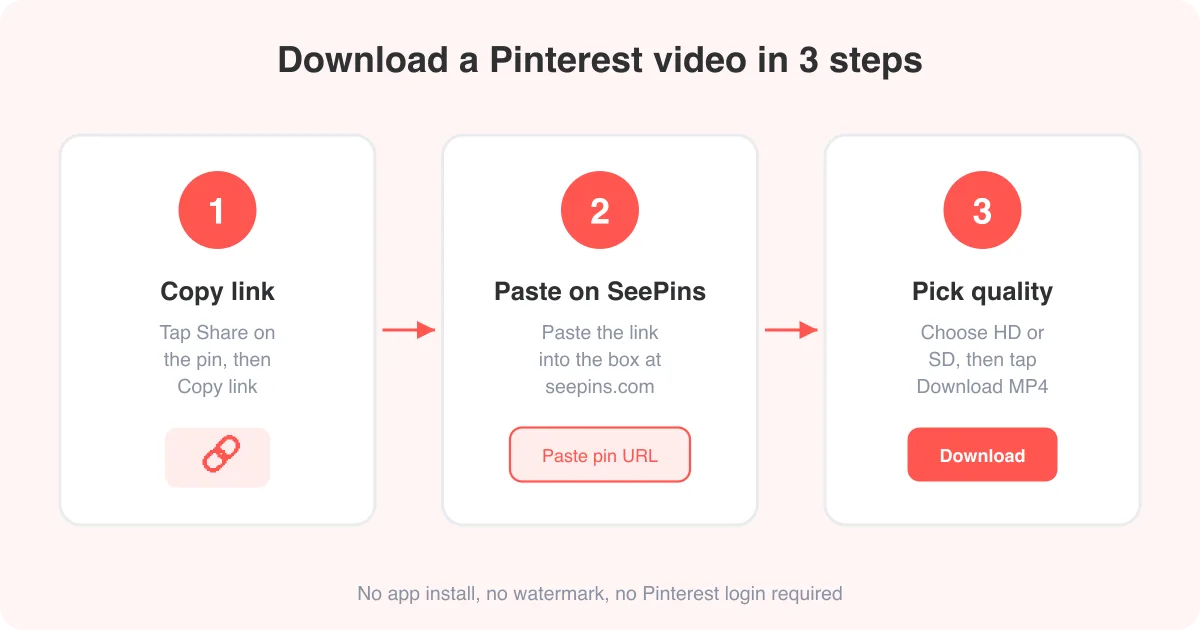
- Save copies of anything you'd lose if the account is never restored — if you had saved pins with content you personally created or licensed, tools like the Pinterest photo downloader or GIF downloader can back up media you have rights to before it's gone for good
- Keep the original suspension email and any appeal confirmation in a safe folder in case you need to reference case details later
- Redirect traffic elsewhere temporarily if Pinterest drove meaningful business referrals, so the suspension doesn't stall your marketing entirely
Resist the urge to over-appeal
Submitting multiple appeals for the same suspension rarely speeds things up and can sometimes push your case further back in the queue. File one thorough appeal, then wait for a response before following up.
If your appeal is denied
A denied appeal usually means Pinterest's Trust & Safety team reviewed the case and confirmed the original decision. In most cases this is final, and the account (along with its pins, boards, and follower history) is not recoverable afterward.
- Re-read the denial notice carefully for any secondary appeal option specific to your violation type
- If the issue involved a copyright claim, look into whether a formal counter-notice process applies to your case
- If you believe the decision was made in error, the Pinterest Help Center is the only reliable place to check for an additional escalation path
- If the account is permanently gone, start a new account with a clean approach: read Pinterest's guidelines closely and avoid any third-party automation tools
Preventing a future suspension
Once you're back in, a few habits go a long way toward keeping your account in good standing. Pace your activity like a normal human user rather than a bot: space out pins, follows, and comments instead of doing them in rapid bursts. Only pin content you have the rights to use or that's properly sourced, and be especially careful with anything you didn't create yourself. Skip unofficial browser extensions or scheduling tools that promise automated growth — if it's not an official Pinterest partner integration, it's a common suspension trigger.
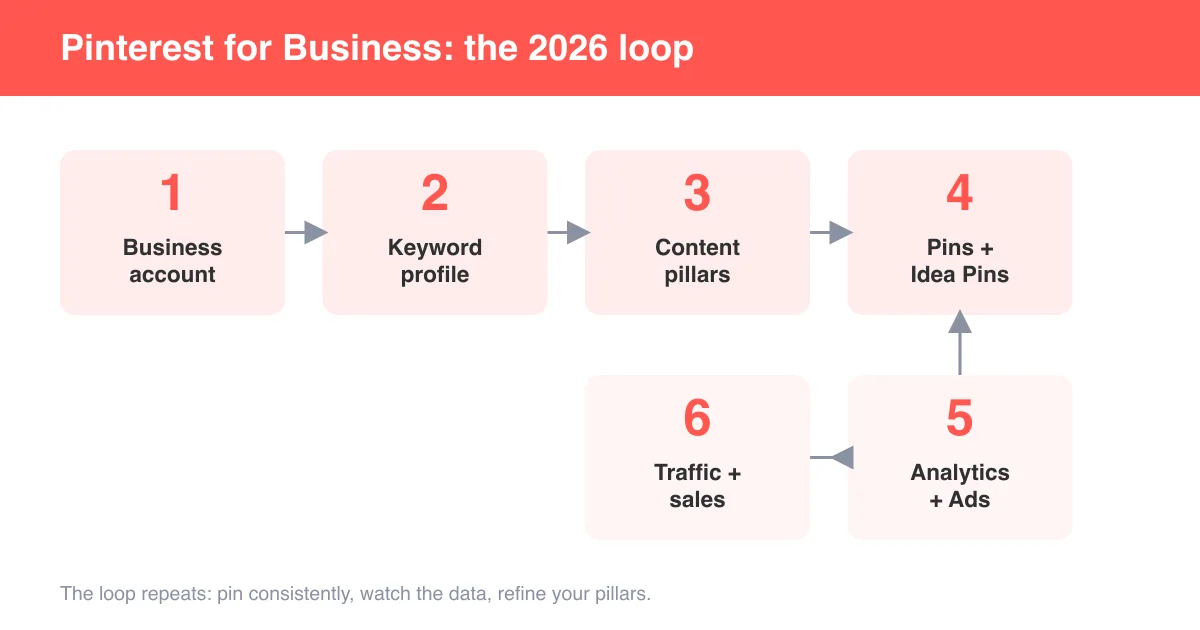
If you run a business account, it's worth revisiting how to use Pinterest for business to make sure your setup follows platform-approved practices for scheduling, ads, and content sourcing rather than relying on workarounds that put the account at risk.
Frequently asked questions
Some suspensions follow a prior warning, but severe or clear-cut violations, such as copyright claims or serious guideline breaches, can trigger an immediate suspension without a separate warning step first.
Sources