Tips
Pinterest Image Sizes: 2026 Pin Dimensions Guide
The exact Pinterest image sizes for 2026: standard pins (1000x1500), Idea Pins (1080x1920), board covers, profile photos, and max file sizes for every format.
Short answer
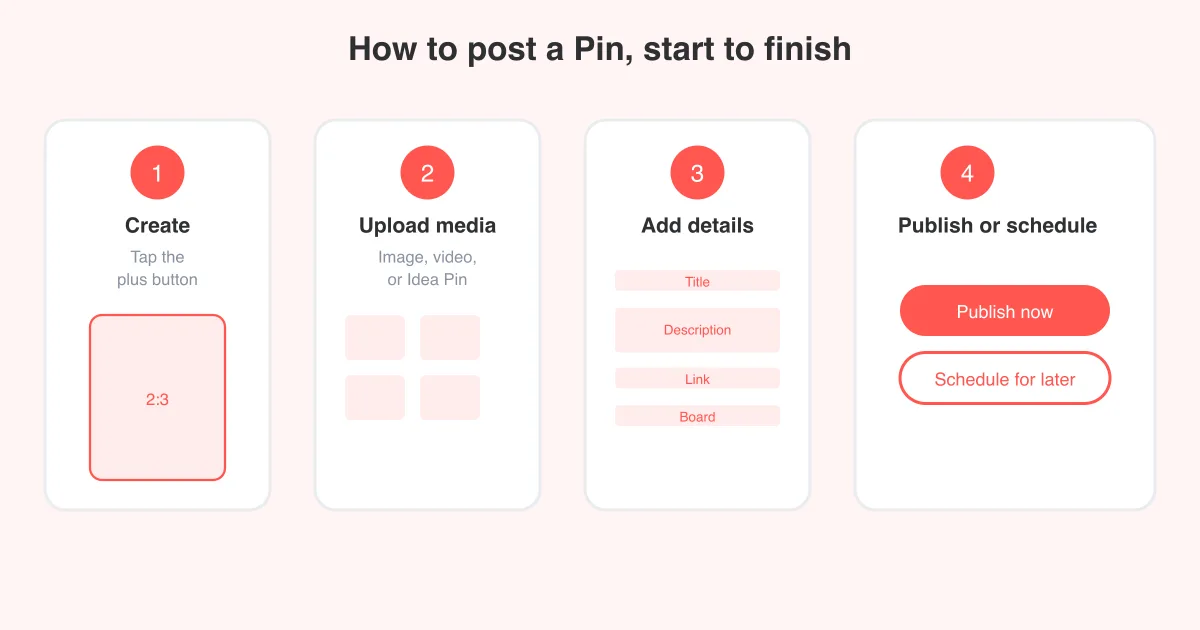
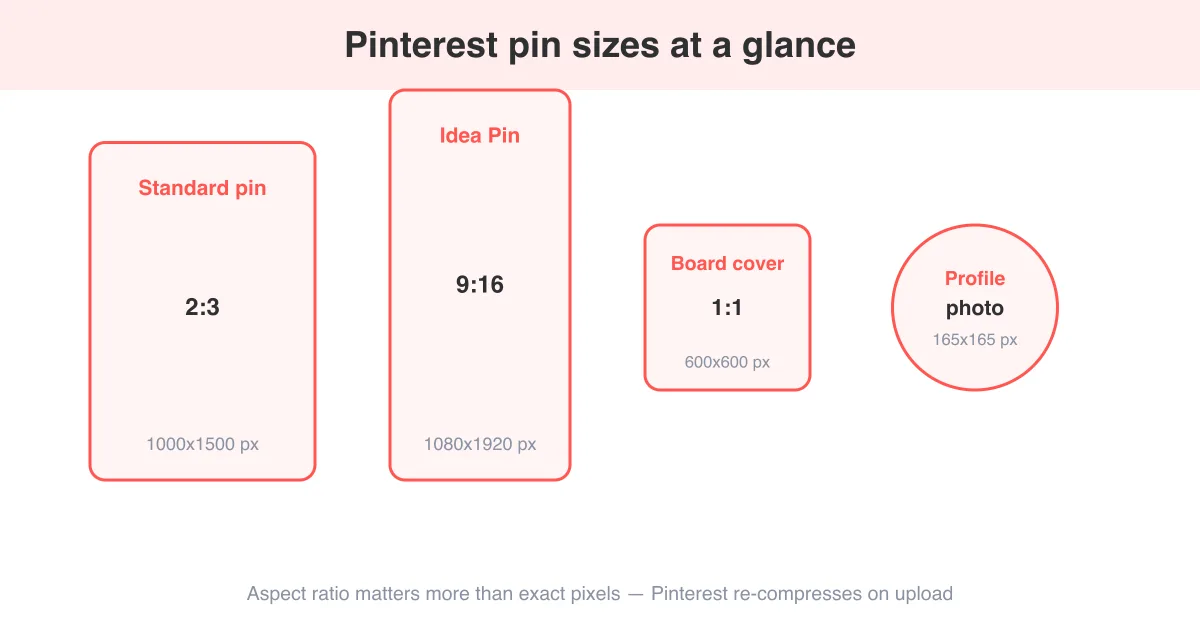
The recommended Pinterest pin size is a 2:3 aspect ratio, ideally 1000x1500 pixels — tall enough to stand out in the feed without getting cropped. Idea Pins and video pins use a 9:16 ratio, best at 1080x1920 pixels. Board covers are square (roughly 600x600) and profile photos display as a circle cropped from a square upload. Getting the ratio right matters more than hitting an exact pixel count, since Pinterest re-compresses images anyway; what it won't fix is a pin that's too short, too wide, or over the file size limit. For the full posting flow once your image is sized correctly, see how to post on Pinterest.
Standard pin size: 1000x1500 px (2:3 ratio)
Pinterest's own recommendation for a standard, static pin is a 2:3 aspect ratio, with 1000x1500 pixels as the reference size. That's tall enough to take up meaningful space in the home feed and search results, but not so tall that Pinterest truncates it with a "see more" cut-off.
- Minimum width: 600 pixels (anything smaller looks blurry when scaled up)
- Recommended ratio: 2:3 (width:height), e.g. 1000x1500 or 600x900
- Maximum ratio before cropping/truncation: roughly 1:2.1 (very tall pins get cut off in feed previews)
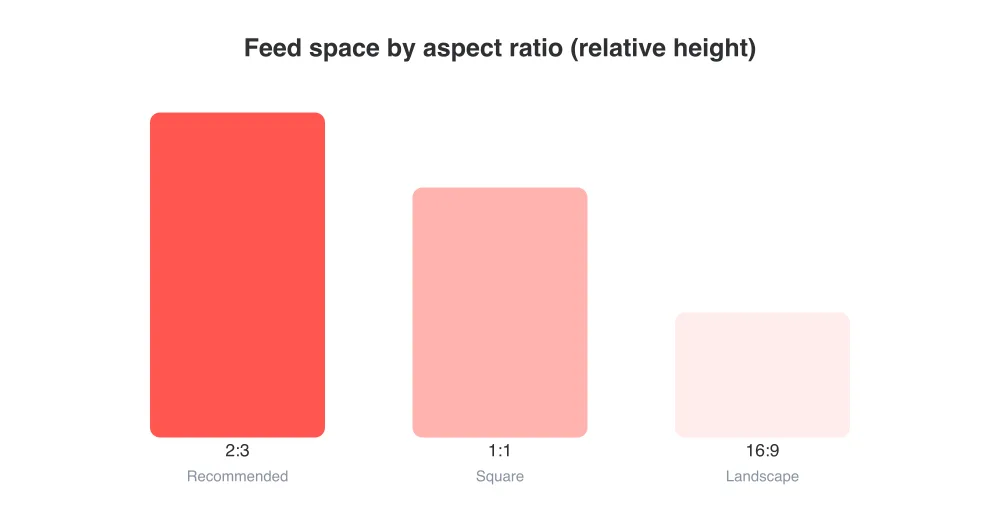
- Square (1:1) and landscape (16:9) pins are supported but tend to get less feed real estate than 2:3
Why not go taller?
Extremely tall pins (like old-school 1:3 infographics) still upload fine, but Pinterest truncates the preview in-feed and only expands to full length when someone taps the pin. If the hook of your image is below the fold, most scrollers never see it.
Idea Pin and video pin size: 1080x1920 px (9:16 ratio)
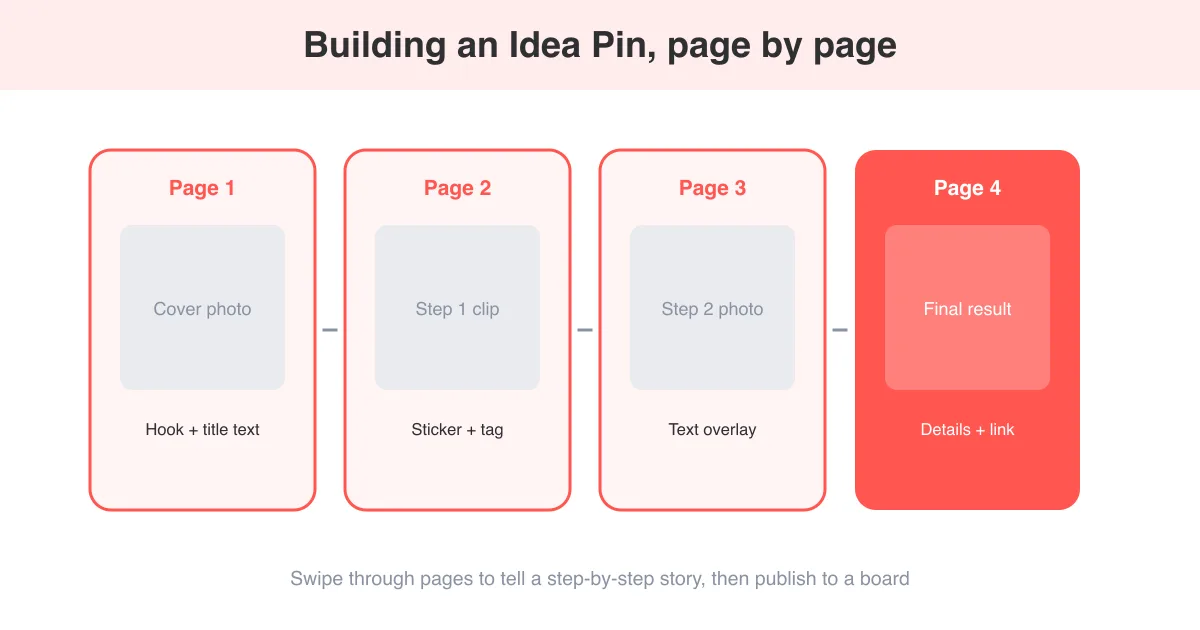
Idea Pins (Pinterest's multi-page, story-style format) and standalone video pins use a vertical 9:16 ratio, matching the full-screen mobile format popularized by Stories and Reels. The recommended resolution is 1080x1920 pixels.
- Shoot or export video in portrait orientation at 1080x1920 (or any 9:16 multiple, like 720x1280)
- Keep clips between 4 seconds and 15 minutes per Pinterest's video specs, with shorter hooks performing best in the first 1-2 seconds
- Use MP4 or MOV for video, and keep text/logos inside the safe zone away from the top and bottom edges where UI overlays sit
- Add a cover image or cover frame that also follows 9:16 so it doesn't get letterboxed in feed
If you're new to the format, how to make an Idea Pin on Pinterest walks through the creation flow step by step, including adding pages, stickers, and music.
Board covers and profile photo sizes
Board covers and profile photos are smaller, square assets, but Pinterest still crops and displays them slightly differently depending on where they show up.
- Board cover: square upload, roughly 600x600 pixels recommended; Pinterest crops it to a circle thumbnail on your profile and boards page
- Profile photo: square upload around 165x165 to 600x600 pixels; displayed as a circle everywhere on the platform
- Group board covers behave the same as regular board covers — one square image represents the whole board
- For both, keep the subject centered since the circular crop trims the corners of a square image
Max file sizes and supported formats
Pinterest supports common web image and video formats, but each has a maximum file size. Uploads over the limit are rejected rather than auto-compressed.
- Static images: JPEG or PNG, up to 20 MB per image
- Video pins and Idea Pin video pages: MP4, MOV, or M4V, up to 2 GB per video
- Animated GIFs: supported only when linked/embedded rather than as a native standalone GIF pin upload; for saving GIFs from Pinterest itself, see the GIF downloader
- sRGB color profile is recommended so colors render consistently across devices
Compression happens either way
Pinterest re-compresses every upload for faster loading across the app and web. Exporting at high quality (not maxing out file size unnecessarily) still gives the compression algorithm more detail to work with, which is why 1000x1500 at a reasonable JPEG quality beats a heavily compressed 4x larger file.
Why the right size actually affects reach
Size and aspect ratio aren't just cosmetic — they affect how much space your pin gets in a scrolling feed, whether text overlays stay legible at thumbnail size, and whether Pinterest's cropping cuts off your call-to-action. A 2:3 pin claims more vertical space than a square or landscape one in most feed layouts, which means more pixels dedicated to your image before a user decides whether to stop scrolling.
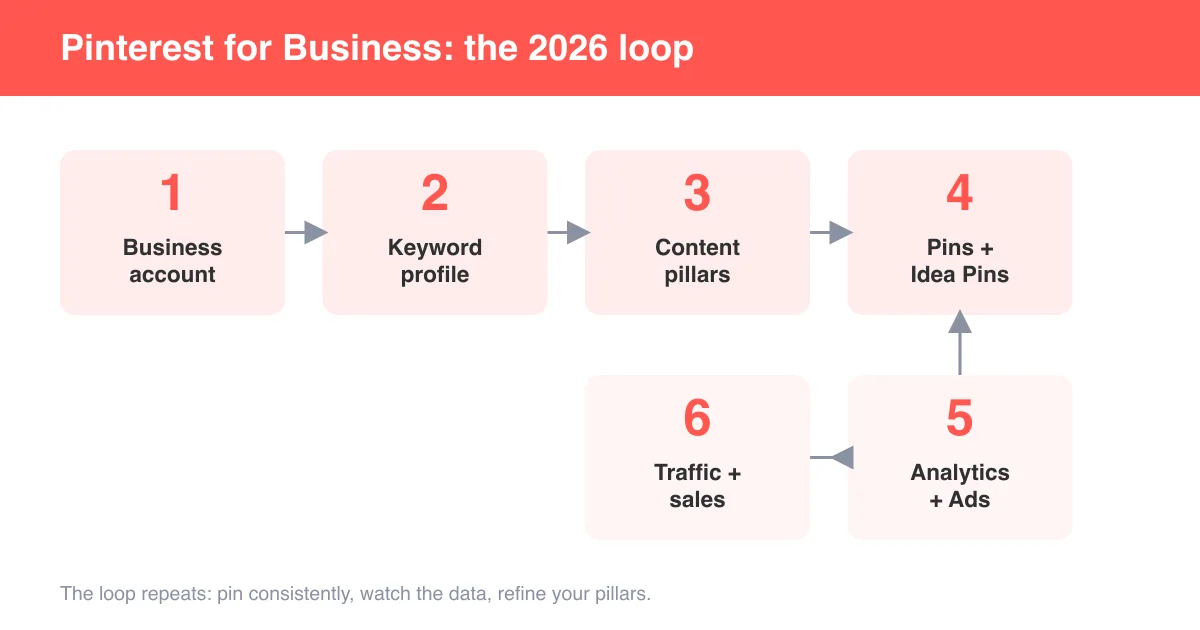
None of this replaces good creative or a clear message — see how to use Pinterest for business for strategy beyond dimensions — but starting with the right canvas size removes an easy, avoidable reason for a pin to underperform.
Quick pin-sizing checklist
- Pick your format: standard pin, Idea Pin/video, board cover, or profile photo.
- Set your canvas to the matching ratio (2:3, 9:16, or 1:1) before you start designing.
- Export at or near the recommended pixel dimensions (1000x1500, 1080x1920, or 600x600).
- Keep the file under the format's size limit (20 MB images, 2 GB video).
- Preview the pin in-app before publishing to check nothing important got cropped, then post it — see how to post on Pinterest for the full publishing steps.
Frequently asked questions
A 2:3 aspect ratio at 1000x1500 pixels is the recommended standard pin size. It gives the most feed visibility without triggering Pinterest's truncation on overly tall images.
Sources