Guides
What Is Pinterest? A Beginner's Guide (2026)
What is Pinterest? It's a visual discovery engine where people save ideas as Pins to boards. Learn how it works, who uses it, and how to start today.
Short answer
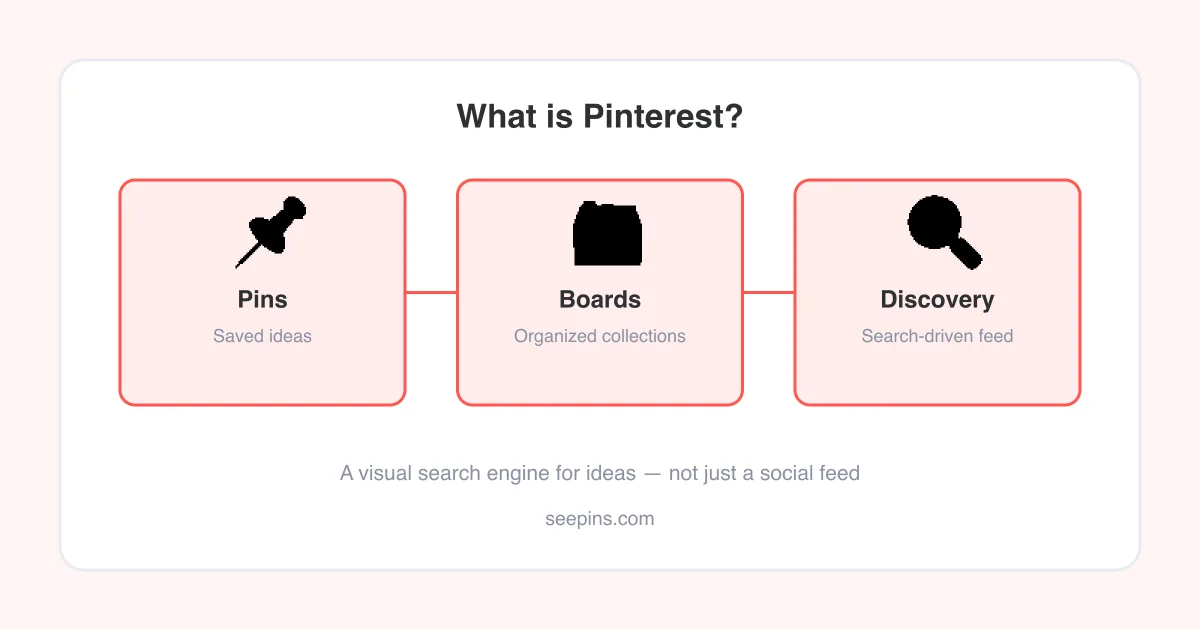
Pinterest is a visual discovery platform — part search engine, part inspiration board — where people find and save ideas as Pins, organize them onto boards, and follow topics like home decor, recipes, fashion, and DIY projects. Unlike a typical social network, Pinterest is built around search intent: you look for ideas, save the ones you like, and come back to them later. It's free to join, works on web and mobile, and is used by both everyday people planning projects and businesses posting content to reach new audiences.
What Pinterest actually is
Pinterest launched in 2010 as a place to collect visual ideas, and it has grown into a platform that blends search, inspiration, and shopping. Pinterest itself describes it as a visual discovery engine — you type in what you're looking for (like "small bathroom remodel" or "vegan dinner ideas"), and it surfaces images, videos, and articles from across the web that match your intent.
That search-first design is what sets Pinterest apart from platforms built around a chronological feed of people you follow. On Pinterest, your home feed is driven mostly by topics you've searched, saved, and engaged with — so it works more like a personalized idea engine than a social timeline.
Good to know
Pinterest content (Pins) often links back to the original website or shop, which is part of why it's popular with bloggers, small businesses, and creators — a saved Pin can drive real traffic long after it's posted.
The core building blocks: Pins, boards, and Idea Pins
- Pin — a single piece of content: an image, graphic, or video, usually with a title, description, and often a link to a website.
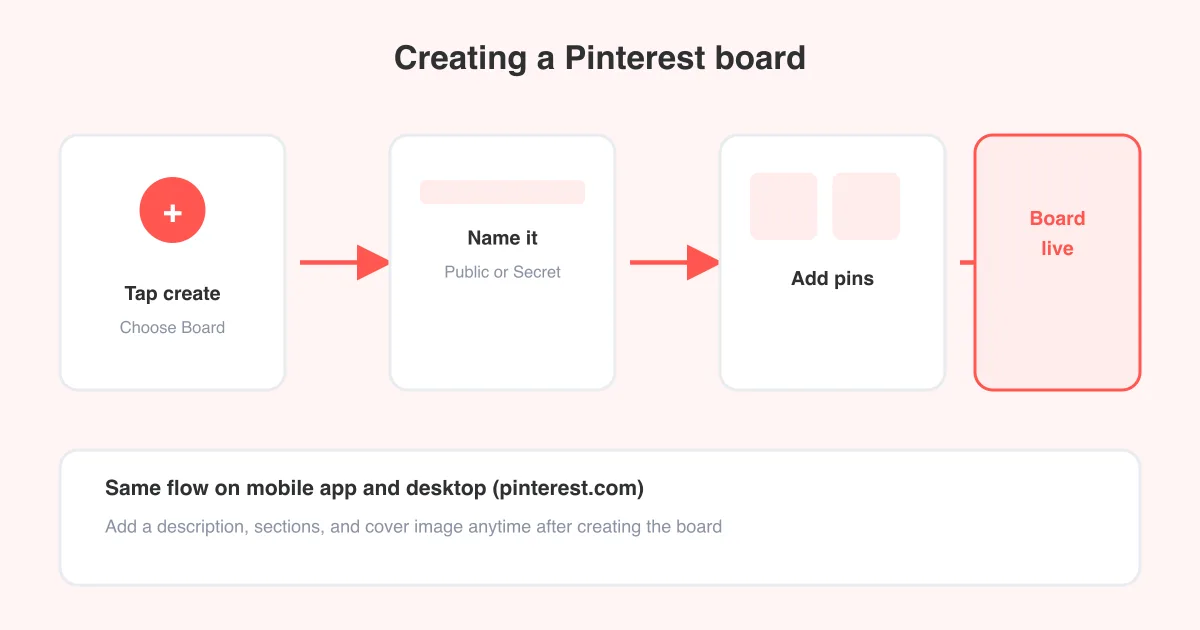
- Board — a themed collection of Pins, like a digital corkboard (e.g. "Wedding Inspiration" or "Weeknight Dinners"). You can learn how to make a board on Pinterest in a couple of taps.
- Secret board — a private board only you (and invited collaborators) can see, useful for gift planning or works in progress.
- Group board — a shared board multiple people can pin to, handy for collaborative projects or communities with similar interests.
- Idea Pin — a multi-page, video-first format designed for step-by-step content (recipes, tutorials, outfit ideas) that stays native to Pinterest rather than linking out.
Together, Pins and boards form the basic loop of the platform: discover something you like, save it to a board, and come back to it when you're ready to act on it — whether that's cooking the recipe, buying the product, or starting the DIY project.
How the Pinterest feed and search work
When you open Pinterest, you'll typically land on the home feed, a grid of Pins picked based on your past searches, saves, and the boards you follow. From there, you can tap the search bar to look up a specific topic, or tap into a Pin to see related ideas Pinterest thinks you'll like.
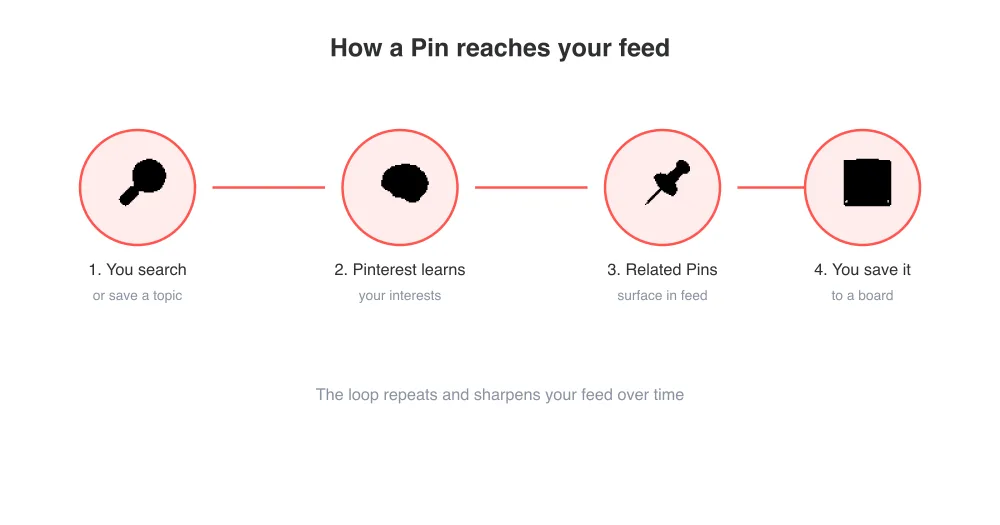
Because the platform is driven by intent rather than just social connections, content on Pinterest tends to have a much longer shelf life than a typical social post — a well-made Pin can keep showing up in searches and feeds for months or years.
Who uses Pinterest, and why
People turn to Pinterest at different stages of a project or decision — while dreaming up ideas, planning something concrete, or ready to buy. Common use cases include:
- Home decor, renovation, and organization inspiration
- Recipes, meal planning, and grocery lists
- Fashion, beauty, and outfit ideas
- Wedding, party, and event planning
- DIY, crafts, and hobby projects
- Business marketing, product discovery, and driving website traffic
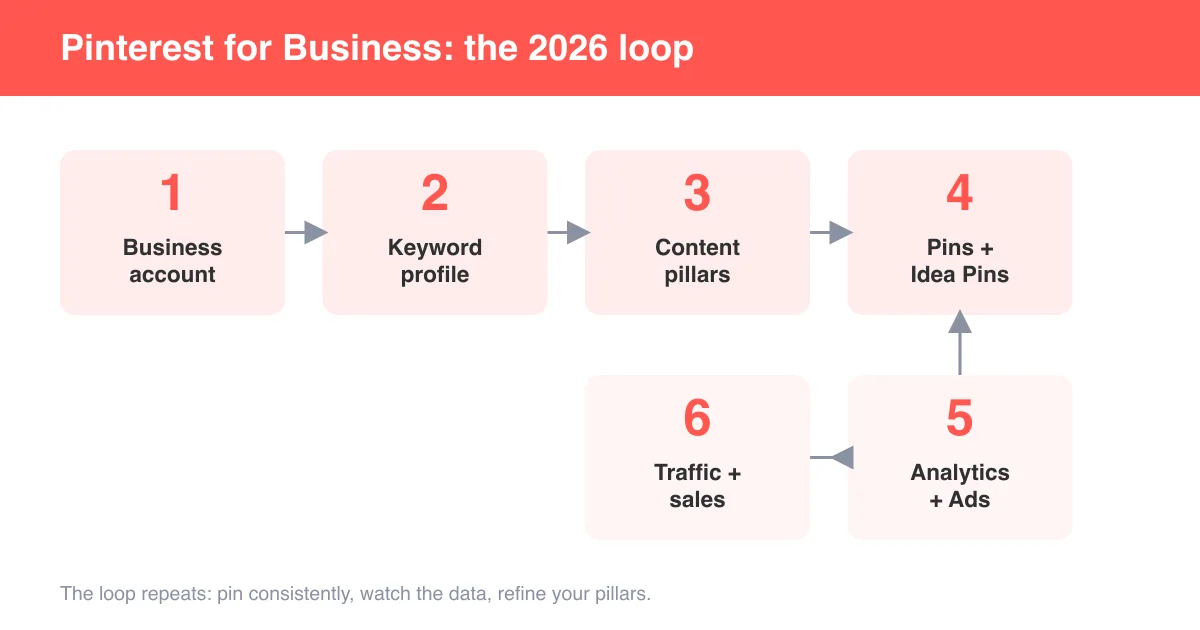
That last point matters: Pinterest isn't only for personal use. Many brands and creators run business accounts specifically to reach people who are actively searching for products and ideas, which tends to convert differently than a typical social ad.
Personal account vs. business account
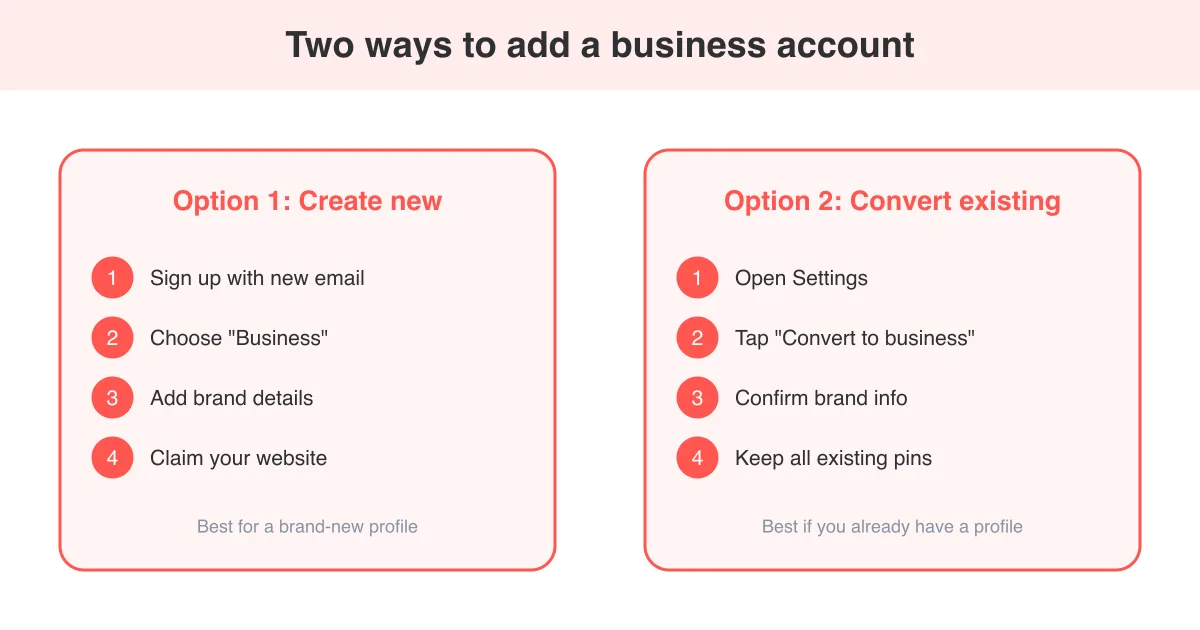
Anyone can sign up with a free personal account to search, save, and organize Pins. If you want to promote a website, shop, or brand, Pinterest offers a free business account with extra tools:
- Analytics on how your Pins and boards perform
- The ability to run paid ad campaigns
- Rich Pins that pull extra metadata (like pricing or recipe details) from your site
- Claiming your website so your content is attributed to your brand
You can convert a personal account to a business account for free, or add a business account alongside your personal one. Either way, the core experience — Pins, boards, and search — stays the same.
Getting started on Pinterest
- Download the Pinterest app (iOS or Android) or go to pinterest.com and sign up with an email, Google, or Apple account.
- Pick a few topics you're interested in — Pinterest uses these to shape your first feed.
- Search for an idea you're curious about (like "capsule wardrobe" or "small space living room").
- Tap the save icon on a Pin you like and choose a board, or create a new board on the spot.
- Follow boards or creators whose taste matches yours so their new Pins show up in your feed.
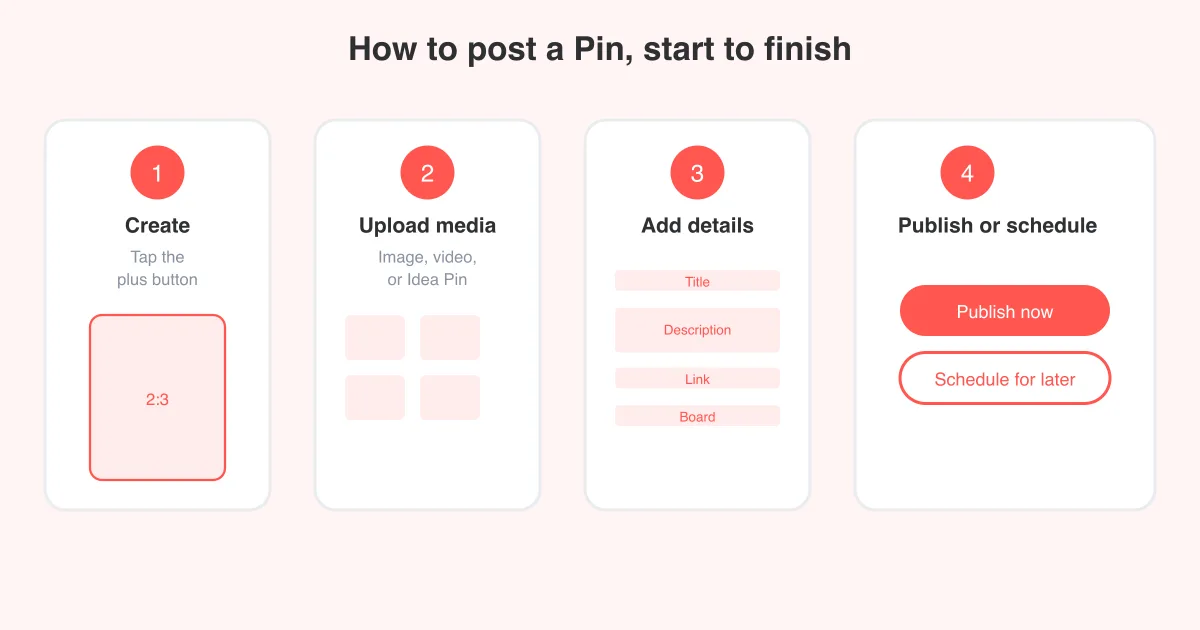
- When you're ready to share your own content, learn how to post on Pinterest.
Tip
Exact button placement and labels can shift slightly between app updates and platforms (iOS, Android, web), so if a menu looks a little different than described here, look for the same icon or a similarly worded option nearby.
Saving and downloading Pinterest content
Pinterest lets you save Pins to your own boards within the app, but sometimes you want an actual copy of the media file — for a moodboard, a presentation, or offline use. SeePins offers free tools for that: a Pinterest video downloader for saving video Pins, a photo downloader for images, and a GIF downloader for animated Pins. For more step-by-step guides on using Pinterest itself, check out our how-to hub.
Frequently asked questions
Not exactly. Pinterest calls itself a visual discovery engine — it has social features like following and comments, but the core experience is driven by search and personal interests rather than a feed of friends' updates.
Sources