Troubleshooting
Why Is Pinterest Not Working? 9 Fixes (App & Browser)
Pinterest not working on your phone or in your browser? Here are 9 practical fixes, from checking for an outage to clearing cache and updating your app.
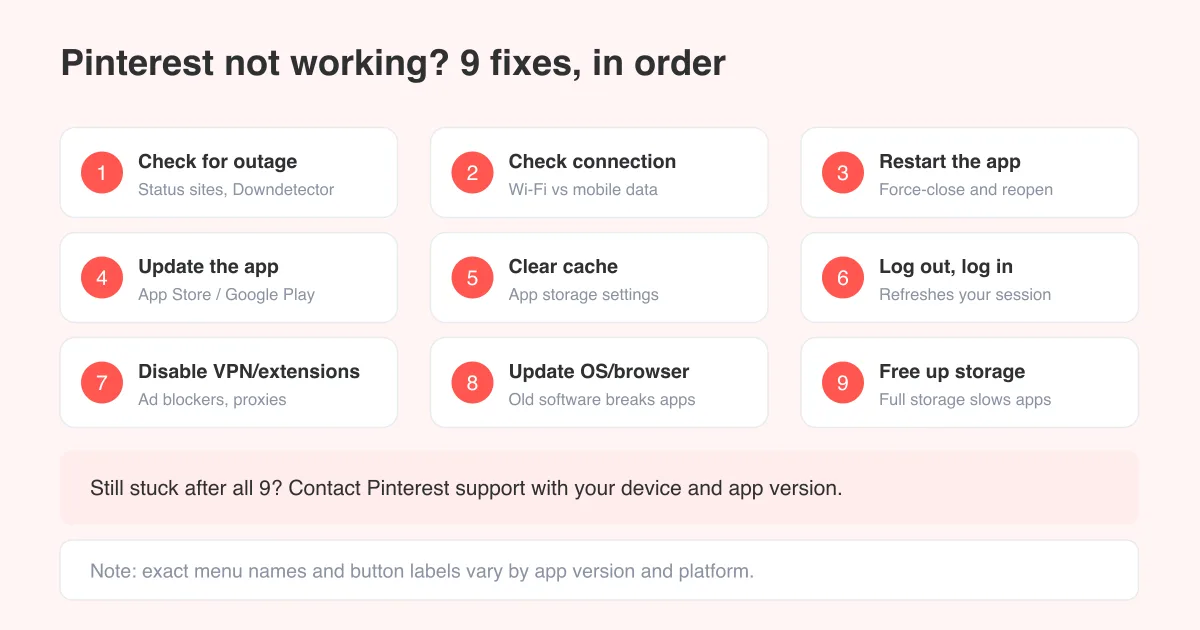
Short answer
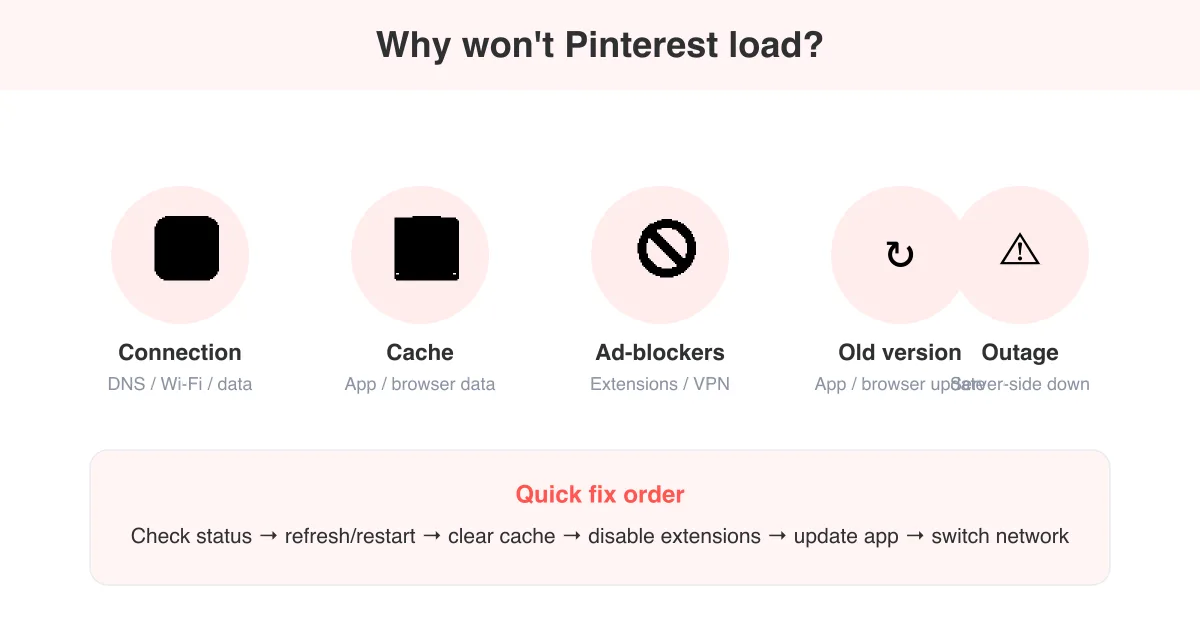
Pinterest usually stops working because of a temporary server outage, a weak internet connection, an outdated app, a full cache, or a browser extension blocking the page. Start by checking whether Pinterest is down for everyone, then work through restarting the app, checking your connection, updating or reinstalling, and clearing cache before contacting support. If only scrolling is affected rather than the whole app, see our dedicated guide on why Pinterest won't load for a narrower fix path.
Why Pinterest stops working in the first place
Pinterest can act up for a lot of unrelated reasons, and the fix depends on which one you're dealing with. Before trying anything, it helps to separate the problem into two buckets: is this happening to everyone right now, or is it just your device, account, or connection?
- A Pinterest-wide outage or server issue affecting many users at once
- A weak, unstable, or blocked internet or Wi-Fi connection
- An outdated app version missing recent bug fixes
- A bloated app cache slowing down loading and rendering
- A stuck login session that needs refreshing
- A VPN, proxy, or browser extension interfering with the connection
- An outdated phone operating system or desktop browser
- Low device storage making the app sluggish or unresponsive
Good to know
Exact menu names, button labels, and settings screens can vary slightly by app version, device, and whether you're on iOS, Android, or the web. If a step below doesn't match exactly what you see, look for the closest equivalent option.
1. Check if Pinterest is down for everyone
Before you spend time troubleshooting your own device, rule out a wider Pinterest outage. When Pinterest's servers have an issue, no amount of restarting or reinstalling on your end will fix it until Pinterest resolves it on theirs.
- Check a crowd-sourced status tracker like Downdetector to see if other users are reporting problems right now
- Search social media for 'Pinterest down' to see if others are posting about the same issue
- Check the official Pinterest Help Center for any posted service notices
- If it's a confirmed outage, there's nothing to fix on your end; just wait and check back in 30 to 60 minutes
Outages are usually short and affect specific features (like uploading images or loading video) rather than the entire platform. If posting works but browsing doesn't, or vice versa, that's a clue it's a partial server issue rather than something wrong with your app.
2. Check your internet connection
A weak or intermittent connection is one of the most common reasons Pinterest fails to load pins, boards, or search results, even when the rest of your internet seems fine, since Pinterest streams a lot of image and video data as you browse.
- Switch between Wi-Fi and mobile data to see if the problem follows the network
- Move closer to your router if you're on Wi-Fi, or check for a router restart if other apps are also slow
- Turn on airplane mode for 10 seconds, then turn it back off to force your device to reconnect
- Test another app or website on the same connection to confirm it isn't Pinterest-specific
3-4. Restart the app and update it
These two steps solve the majority of everyday Pinterest glitches, and they take under two minutes combined.
- Force-close the Pinterest app completely, then swipe it away from your recent apps rather than just backgrounding it
- Reopen the app and see if the issue is gone
- If it isn't, open the App Store or Google Play, search Pinterest, and check whether an update is pending
- Install any available update, since Pinterest ships bug and stability fixes regularly
- Restart your device entirely if the app still misbehaves after updating; a full reboot clears memory that a simple app restart doesn't
5-6. Clear the cache and refresh your login
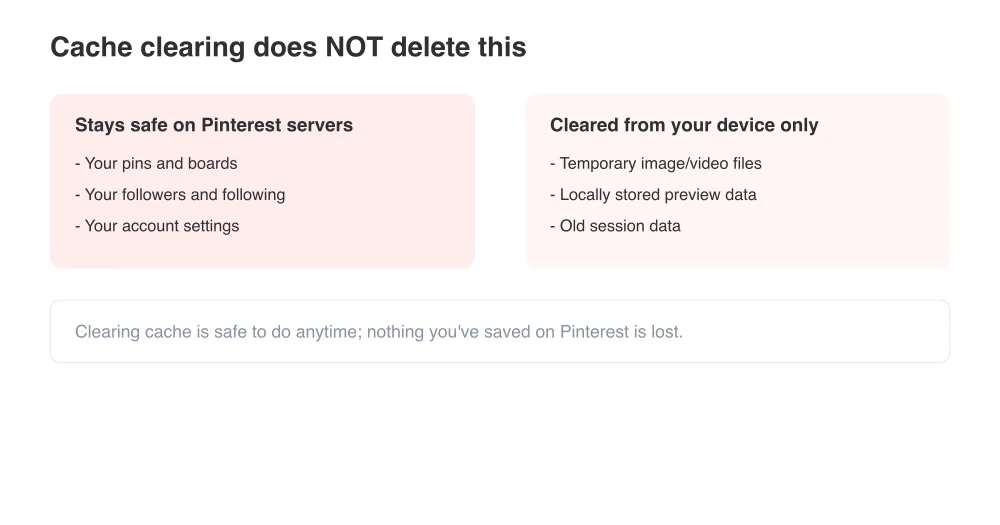
A cache that's grown too large can slow Pinterest down or cause it to load pages incorrectly. Logging out and back in also refreshes your session token, which fixes issues that look like the app is 'stuck' on old data.
- On Android, go to Settings > Apps > Pinterest > Storage, then tap Clear cache
- On iPhone, offload and reinstall the app, since iOS doesn't offer a separate cache-clear option
- In a desktop browser, clear cookies and cached data specifically for pinterest.com
- Log out of Pinterest fully, close the app or tab, then log back in
- If none of that helps, delete the app entirely and reinstall it fresh for a completely clean start
7. Disable VPNs, proxies, and browser extensions
VPNs and proxies can route your connection through servers that Pinterest flags as suspicious, sometimes blocking access entirely or loading a broken version of the page. On desktop, ad blockers and privacy extensions can also silently stop the scripts Pinterest needs to load images and load new content as you browse.
- Turn off any VPN or proxy and reload Pinterest to see if it works
- Disable ad blockers and privacy extensions specifically for pinterest.com
- Try an incognito or private browsing window, which loads with most extensions turned off
- Test a different browser entirely (Chrome, Safari, Firefox, Edge) to isolate whether it's browser-specific
If you're stuck at a certain point
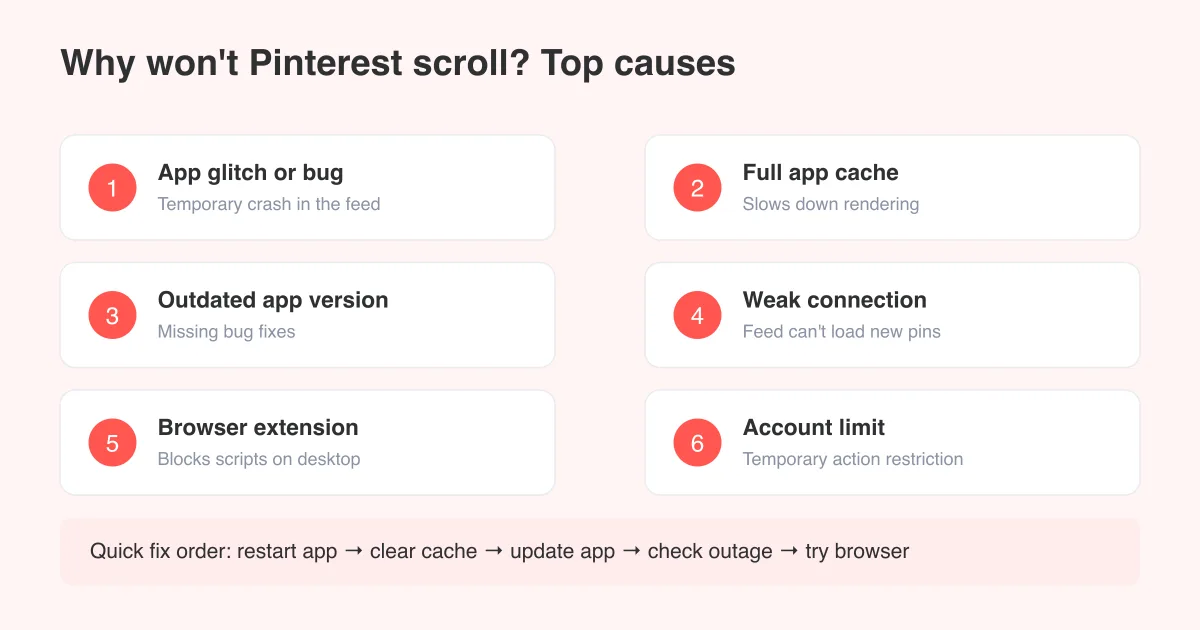
If the app or page loads but the feed itself won't move or refresh new pins, that's a more specific scrolling issue. Our guide on why you can't scroll on Pinterest covers that exact problem in more depth.
8-9. Update your OS or browser, and free up storage
Pinterest is a media-heavy app, and it needs a reasonably current operating system, browser, and some free storage and memory to run smoothly. Older, unsupported software versions are a frequent, overlooked cause of crashes and blank screens.
- Check for a pending iOS, Android, or desktop OS update in your device settings and install it
- Update your desktop browser to its latest version if you use Pinterest on the web
- Delete unused apps, old photos, or downloads to free up device storage
- Close other apps running in the background before reopening Pinterest
- Restart your device weekly to clear accumulated memory clutter, especially on older hardware
Pinterest loads fine, but something else feels off?
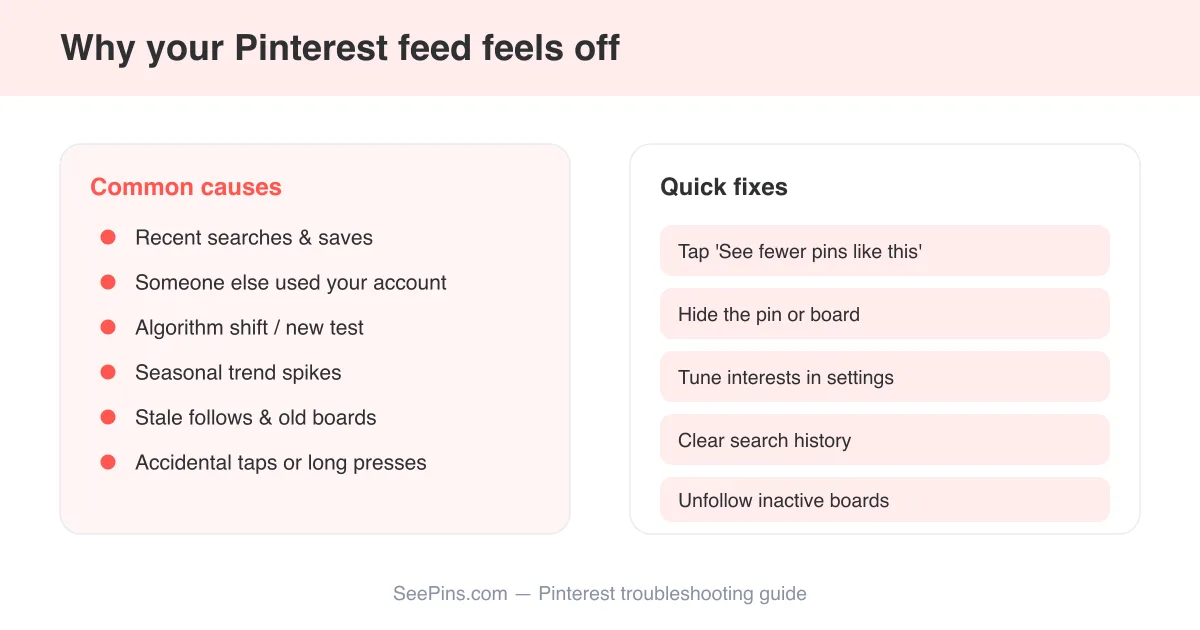
Sometimes 'not working' actually means the app runs, but the content is wrong rather than broken. If your feed keeps showing pins that don't match your interests, that's a recommendations issue rather than a technical bug; see Pinterest showing irrelevant images for ways to retrain your feed. And if pages load but images and previews never fully appear, check our dedicated troubleshooting guide on why Pinterest won't load for that narrower scenario.
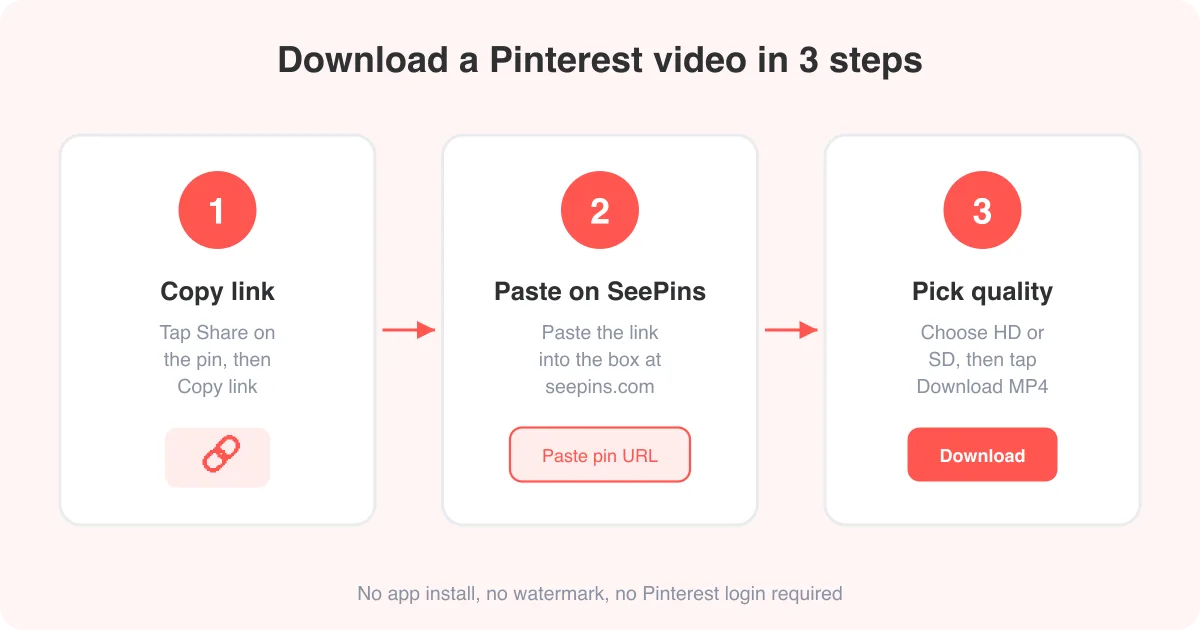
If Pinterest is working well enough for you to browse but you just want to keep a copy of something you found, our video downloader and photo downloader let you save Pinterest videos and images directly to your device, and the GIF downloader does the same for animated pins.
Still not working? When to contact Pinterest support
If you've checked for an outage, confirmed your connection, restarted, updated, cleared cache, logged back in, disabled any VPN or extensions, and updated your OS or browser, and Pinterest still won't work, it's time to contact Pinterest support directly through the app's Help Center.
- Note your exact device model, operating system version, and Pinterest app version
- Note whether the problem happens on Wi-Fi, mobile data, or both
- Note whether it happens on other devices logged into the same account
- Take a screenshot or short screen recording of the error, if there is one
Before you submit a report
Specific details speed up how quickly Pinterest's support team can diagnose the issue. A vague 'it's not working' report takes longer to resolve than one that includes your device, app version, and exactly what you see.
Frequently asked questions
Most of the time it's a temporary server outage, a weak internet connection, an outdated app, or a full cache. Check a status tracker like Downdetector first to see if it's a wider outage before troubleshooting your own device.
Sources