Troubleshooting
Why Won't Pinterest Load? Fix Blank Pages & Endless Spinners
Pinterest won't load? Fix a blank feed, missing images, an endless spinner, or 'something went wrong' with these quick, tested troubleshooting steps.
Short answer
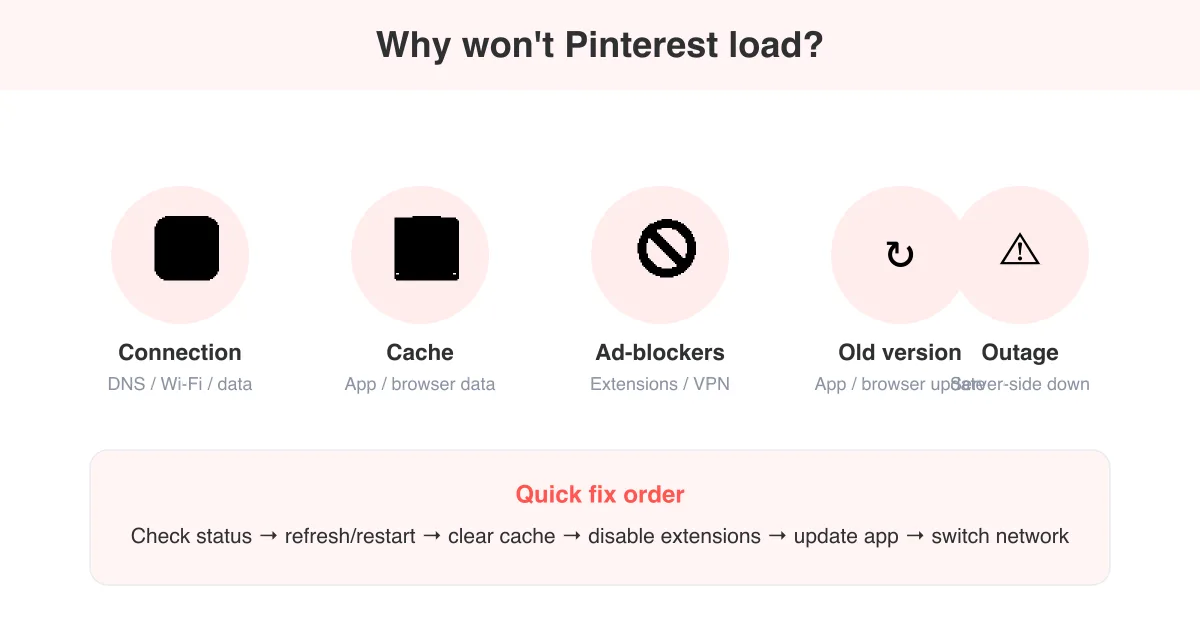
Pinterest usually won't load because of a shaky internet connection, a corrupted app or browser cache, a browser extension (especially ad-blockers) blocking its scripts, an outdated app version, or a temporary Pinterest outage. Start by checking Pinterest's status and refreshing with a clear cache; if that fails, try a different network or device to narrow down where the problem sits.
What 'Pinterest won't load' actually looks like
This problem shows up a few different ways, and the exact fix can depend on which one you're seeing. Before troubleshooting, figure out which symptom matches what's happening on your screen.
- A blank white or gray feed with no pins, boards, or search results
- Pin thumbnails that never load — gray boxes or broken-image icons where photos should be
- An endless spinning loader that never resolves into content
- A generic "Something went wrong" or "Please try again" error message
- The app or site freezing, crashing, or closing itself shortly after opening
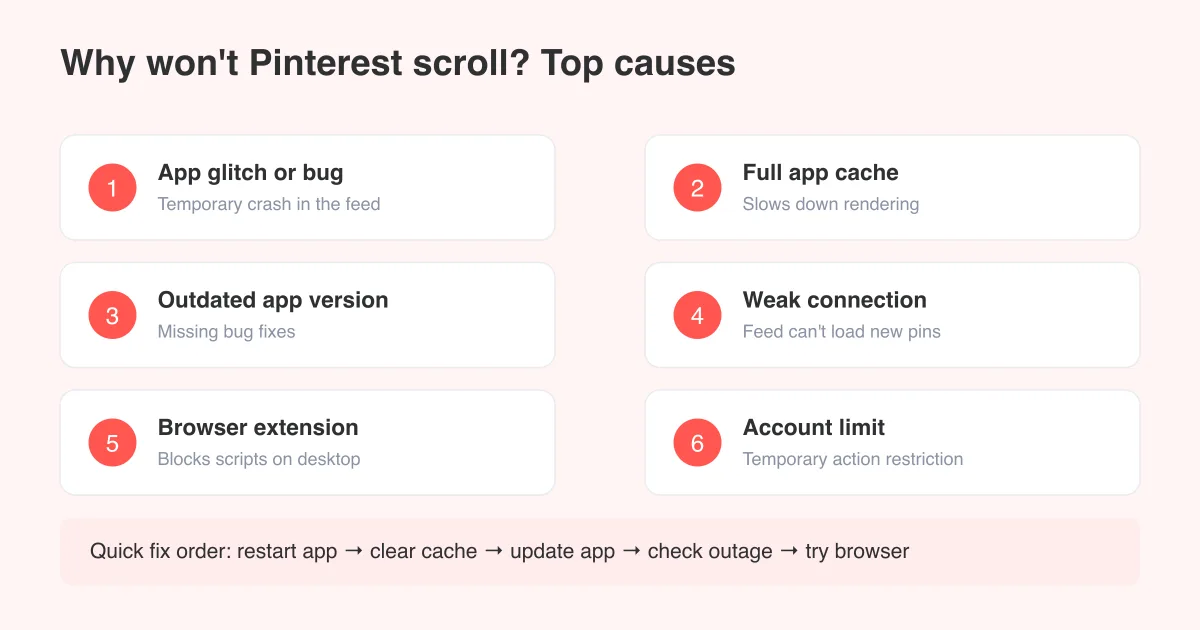
If you're specifically having trouble scrolling through a feed that has loaded, that's a slightly different issue — see why can't I scroll on Pinterest for that fix. This guide covers the case where content won't load in the first place.
Start here: 3 quick checks (30 seconds)
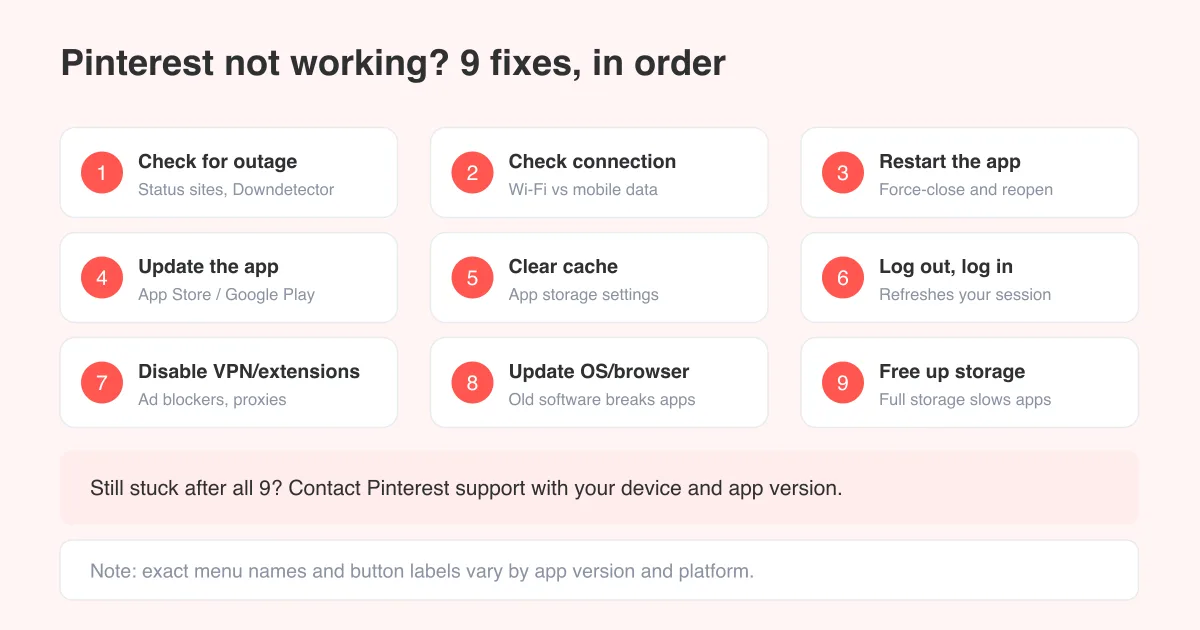
- Check whether Pinterest is down for everyone, not just you, by visiting a third-party status tracker or Pinterest's own Help Center for service alerts.
- Confirm your internet actually works by opening a different site or app on the same device.
- Fully close and reopen the Pinterest app (swipe it away, don't just background it), or hard-refresh the browser tab with Ctrl+Shift+R / Cmd+Shift+R.
If it's a Pinterest-wide outage
There's nothing to fix on your end — content will start loading again once Pinterest resolves the issue on their side. These outages are usually short, but they can affect only certain features (like image delivery) while the rest of the app works fine.
Fix a bad connection or DNS issue
A weak or inconsistent connection is one of the most common reasons pins spin forever without loading. Pinterest's feed is image-heavy, so it's more sensitive to slow or unstable networks than plain text pages.
- Toggle Wi-Fi off and back on, or switch between Wi-Fi and mobile data to see if one works better
- Move closer to your router, or restart the router if pages load slowly across every app
- Turn off any VPN, and disable Airplane Mode if it's accidentally on
- On a computer, try switching your DNS to a public resolver (like 1.1.1.1 or 8.8.8.8) if Pinterest specifically won't resolve while other sites do
Clear the app or browser cache
A corrupted local cache is a frequent culprit for a blank feed or images that never render, especially after an app update changed how data is stored.
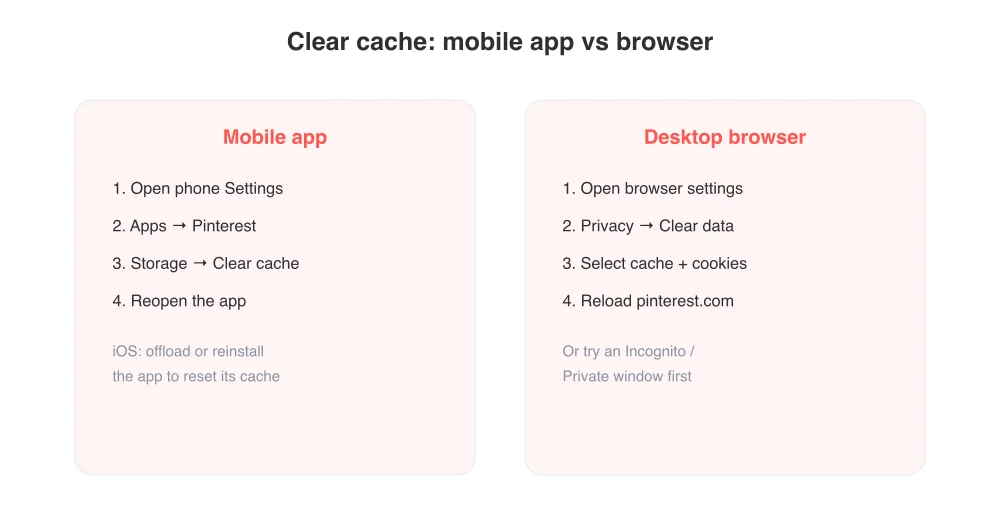
- Mobile app: go to your phone's Settings, find Pinterest under Apps, then clear its cache (Android) or offload/reinstall it (iOS)
- Desktop browser: open your browser's privacy settings and clear cached images and files, then reload pinterest.com
- Quick test: open Pinterest in an incognito or private window — if it loads fine there, your regular browser's stored data is the problem
Disable ad-blockers and browser extensions
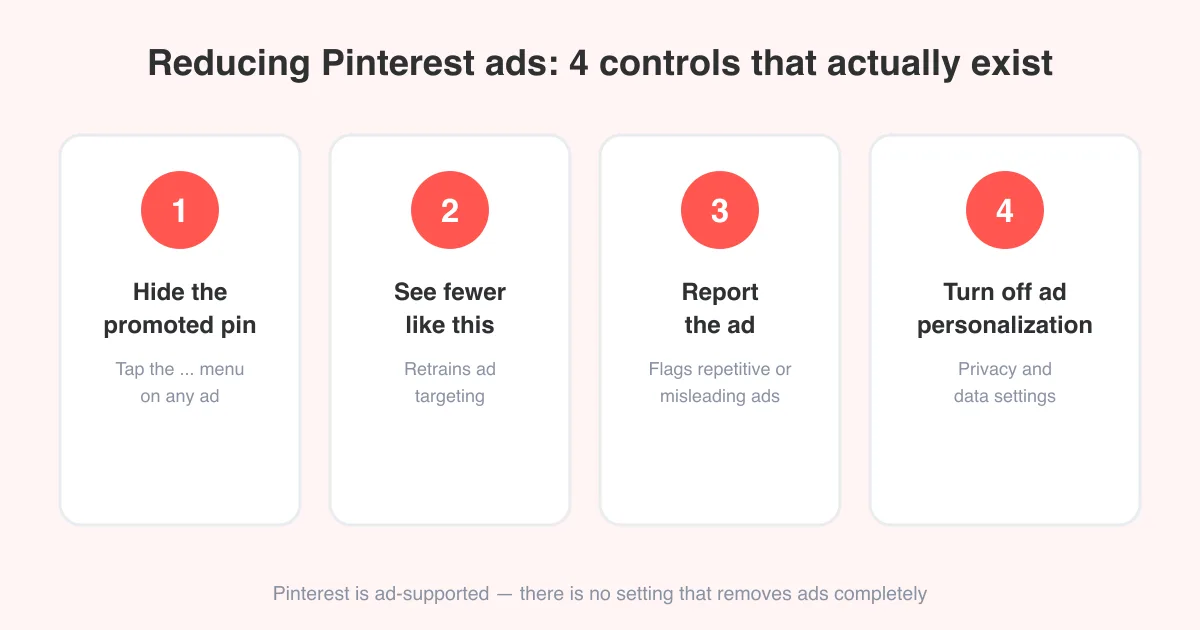
Ad-blockers, privacy extensions, and script blockers sometimes mistake Pinterest's own scripts or image-loading requests for ads, which can leave you staring at a blank feed. If you've deliberately installed an ad-blocker, see how to get rid of ads on Pinterest for options that won't break the feed.
- Disable your ad-blocker or content-blocking extension just for pinterest.com and reload the page
- Turn off any privacy/tracker-blocking extensions (like strict cookie blockers) one at a time to isolate the culprit
- If the page loads normally with extensions off, re-enable them one by one to find which one is causing it, then whitelist Pinterest
Browser "reader mode" or aggressive privacy modes (like some browsers' strict tracking protection) can also block the scripts Pinterest needs to render pins. Try lowering the protection level for pinterest.com specifically.
Update the app, browser, or device software
Pinterest regularly ships updates, and an old app version can lose compatibility with the current backend, causing loads to hang or fail outright.
- Check the App Store or Google Play Store for a pending Pinterest update and install it
- Update your browser to the latest version if you're using Pinterest on desktop or mobile web
- Make sure your phone or computer's operating system isn't several versions behind, since very old OS versions can stop being supported
- Restart the device after any update completes — a pending restart can leave the update half-applied
Rule out an account-specific issue
If everything else loads normally but Pinterest specifically shows errors only when you're logged into your account, the problem may sit with the account itself rather than your device.
- Log out and log back in to refresh your session
- Try loading Pinterest in a private window while signed out — if the public site loads fine, the issue is tied to your login
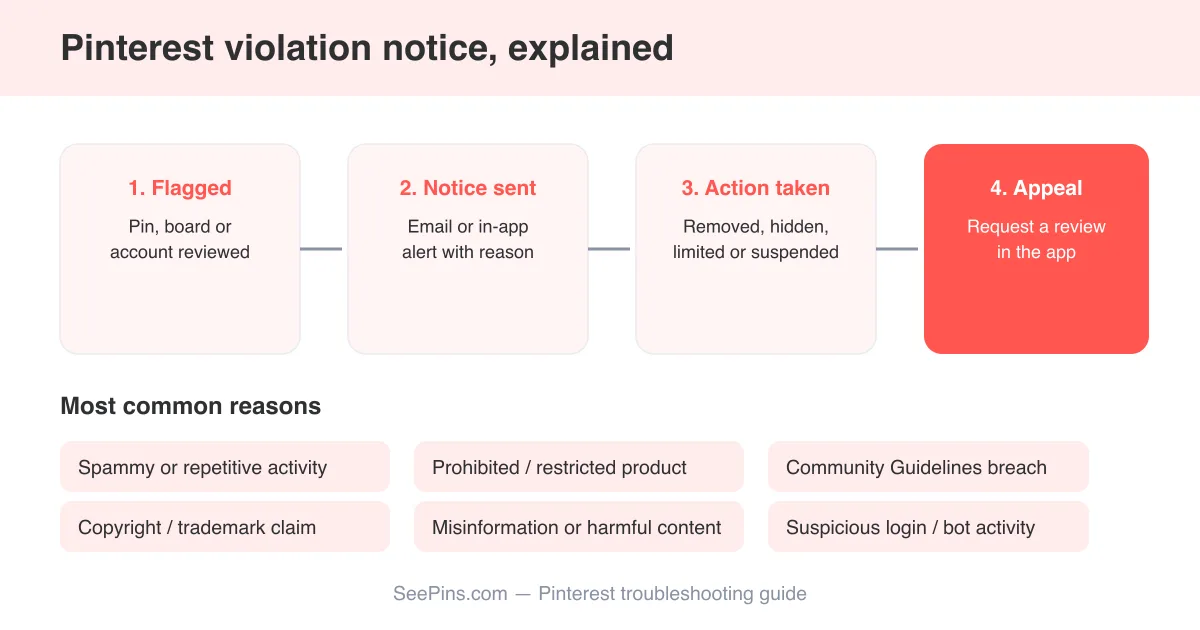
- Check your email for any notice from Pinterest about a policy violation or account restriction, which can sometimes limit what loads; see why did I get a violation notice on Pinterest if you received one
- If you recently changed your password or enabled two-factor authentication, make sure the app has the current credentials
Still won't load? What to try next
If you've worked through connection, cache, extensions, and updates with no luck, a few broader checks can help isolate the problem.
- Try a completely different device or network (like mobile data instead of Wi-Fi) to see if the problem follows you
- Uninstall and reinstall the app rather than just clearing its cache
- Check whether other Pinterest features work — for example, if pins load but you can't scroll further, that points to a scrolling-specific issue instead
- If nothing loads across every device and network, it's very likely a broader outage — check back after a short wait
For a wider list of Pinterest problems beyond loading — including notification issues, login trouble, and pins that won't save — see the general why is Pinterest not working guide.
Frequently asked questions
A blank feed is usually caused by a corrupted cache, a slow or interrupted connection, or an ad-blocker interfering with scripts. Clear the app or browser cache and reload first, since that resolves most blank-feed cases.
Sources